
 Deutsch
 Español
 Français
 Italiano
 Nederlands
 Polski
' d='M48 28h24v18a12 12 0 0 1-24 0z'/%3E%3Cpath fill='%230093DD' d='M47.5 21.5h4.6V28h-4.6zm10.2-2.5h4.6v9h-4.6zm10.2 2.5h4.6V28h-4.6z'/%3E%3Cpath fill='%23171796' d='M52.6 20h4.6v8h-4.6zm10.2 0h4.6v8h-4.6z'/%3E%3C/svg%3E) Hrvatski
Hrvatski עברית
עבריתWebsockets in Next.js: realtime on serverless hosting
Adding live updates to a Next.js app usually starts well. You open a websocket from a client component, point it at a small server, and with next dev everything works: the order turns to shipped, the new message appears, the count of who is online moves. Then you deploy, and the connection drops, reconnects, drops again, or never opens at all.
The code is rarely the problem. Most Next.js apps run on serverless hosting, and a serverless function cannot hold a connection open. This post explains why, what the usual workarounds cost, and how to add realtime to a Next.js app without running a websocket server.
Why a serverless function cannot hold a websocket
A route handler, a server action and a server component all work the same way on a serverless host. A request comes in, a function starts or wakes up, it answers, and soon after it is frozen or stopped. The next request may land on another instance entirely.
A websocket needs the opposite: one process that keeps a connection to each browser open for as long as the page is, often hours, and can push to it at any moment. A serverless function does not live that long, has no way to reach a connection another instance opened, and is billed for every second it stays up. That is why so many first attempts work in development, where one long-running process serves everything, and fail in production.
The usual workarounds
Polling. The page asks a route handler every few seconds whether anything changed. It works everywhere, but every question is a function call, most of them answered with nothing new, and the page is always a few seconds behind. With 1,000 people on a page that polls every 5 seconds, that is 200 function calls a second around the clock.
Streaming from a route handler. A route handler can keep a response open and stream events to the page. It is closer to live, but each open stream is a function still running, every platform cuts functions off after a maximum time, and the stream lives in one instance, so an event sent from another one never reaches it.
A custom server. Next.js can run behind a Node.js server of your own, with a websocket library beside it. That takes the app off serverless hosting: you run a long-lived server, keep it up through deploys, and once you have more than one, share every event between them, usually through Redis, and keep each browser on a server that knows it.
A websocket server of your own beside the app. The app stays serverless and a separate server holds the connections. It is the cleanest of the four, and it is still a second system to run: its certificate, its scaling, its monitoring, and a way to know who the user is, since it cannot read your app's session.
Or let a realtime cloud hold the connections
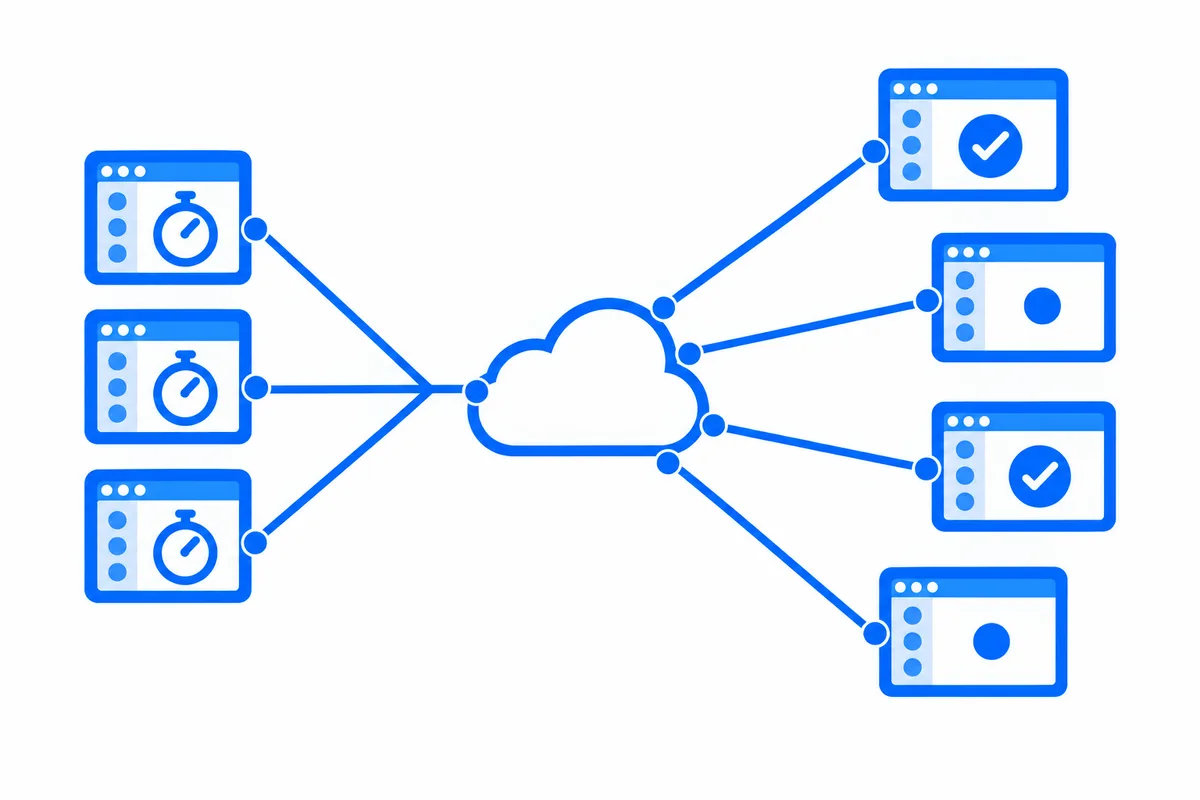
A hosted realtime service takes the long-lived part away entirely. The browsers keep their connections open to the service. Your Next.js code, in a server action or a route handler, sends each event in one short HTTP request, which is exactly what a serverless function is good at. The service delivers it to every page that should get it, whichever instance sent it.
What matters is that it fits the way Next.js already works: your server decides who may join what, your pages subscribe from client components, and nothing about your hosting changes.
Next.js on WordPlus Cloud
With WordPlus Cloud, your server declares its rooms once, with a rule for who may join each:
import { createRealtime } from '@wordplus/realtime/server';
import { currentUserId, profileOf } from '@/lib/auth';

export const realtime = createRealtime( {
    site: process.env.WORDPLUS_SITE!,
    secret: process.env.WORDPLUS_SECRET!,
    localKey: process.env.WORDPLUS_LOCAL_KEY!,
    user: () => currentUserId(),
    profile: ( user ) => profileOf( user ),
} );

// The room of an order, order:1042: its customer may join, and the last 20 updates are kept.
realtime.room( 'order:{id}', { history: 20 }, async ( user, { id } ) => user !== null && ( await ownerOf( id ) ) === user );
One catch-all route handler answers the pages when they ask to join, and serves the browser files of the SDK:
import { realtime } from '@/lib/realtime';

export const GET = realtime.route;
export const POST = realtime.route;
The layout of your signed-in pages renders RealtimeProvider with realtime.config() for the user, so every page under it shares one connection, kept across client navigations. A client component then joins a room with a hook:
'use client';

import { useState } from 'react';
import { useRoom } from '@wordplus/realtime/react';

export function Status( { id, initial }: { id: string; initial: string } ) {
    const [ status, setStatus ] = useState( initial );
    useRoom( `order:${ id }`, { updated: ( data: { status: string } ) => setStatus( data.status ) } );
    return <p>{ status }</p>;
}
And a server action sends, after the change is saved:
'use server';

import { realtime } from '@/lib/realtime';

export async function markShipped( id: string ) {
    await saveStatus( id, 'shipped' );
    await realtime.to( `order:${ id }` ).emit( 'updated', { status: 'shipped' } );
}
That is the whole loop, and it runs on serverless hosting as it is. Beyond it:
- Your sign-in stays yours. The user is whatever id your app knows them by, read inside the route handler, so your session and cookies work there.
- Nothing lost on a reconnect. A room keeps its last events, so a page that comes back gets what it missed, in order.
- One connection for every tab. The tabs of a browser share one connection, so a person with three tabs open counts once.
- Sealed on the way. What your app sends travels encrypted with keys only your server and your users hold.
- More than events. Who is online, calls that ring in every tab, group calls and live streams come on the same connection, with a ready-made call screen, chat and player from Better Messages, or your own components on the same API.
The Next.js guide has the whole setup, and the live demo is a small shop built on it, where an order turns to shipped in another window as you click.
To add video calls to a Next.js app, step by step: How to implement video calls in Next.js.
WordPlus Cloud for Apps is priced by concurrent connections, starting from 1,000, billed monthly or yearly. See what it does for apps, or the apps pricing. Questions about your integration? Write to us.