
 Deutsch
 Español
 Français
 Italiano
 Nederlands
 Polski
' d='M48 28h24v18a12 12 0 0 1-24 0z'/%3E%3Cpath fill='%230093DD' d='M47.5 21.5h4.6V28h-4.6zm10.2-2.5h4.6v9h-4.6zm10.2 2.5h4.6V28h-4.6z'/%3E%3Cpath fill='%23171796' d='M52.6 20h4.6v8h-4.6zm10.2 0h4.6v8h-4.6z'/%3E%3C/svg%3E) Hrvatski
Hrvatski עברית
עבריתHow to implement video calls in Next.js
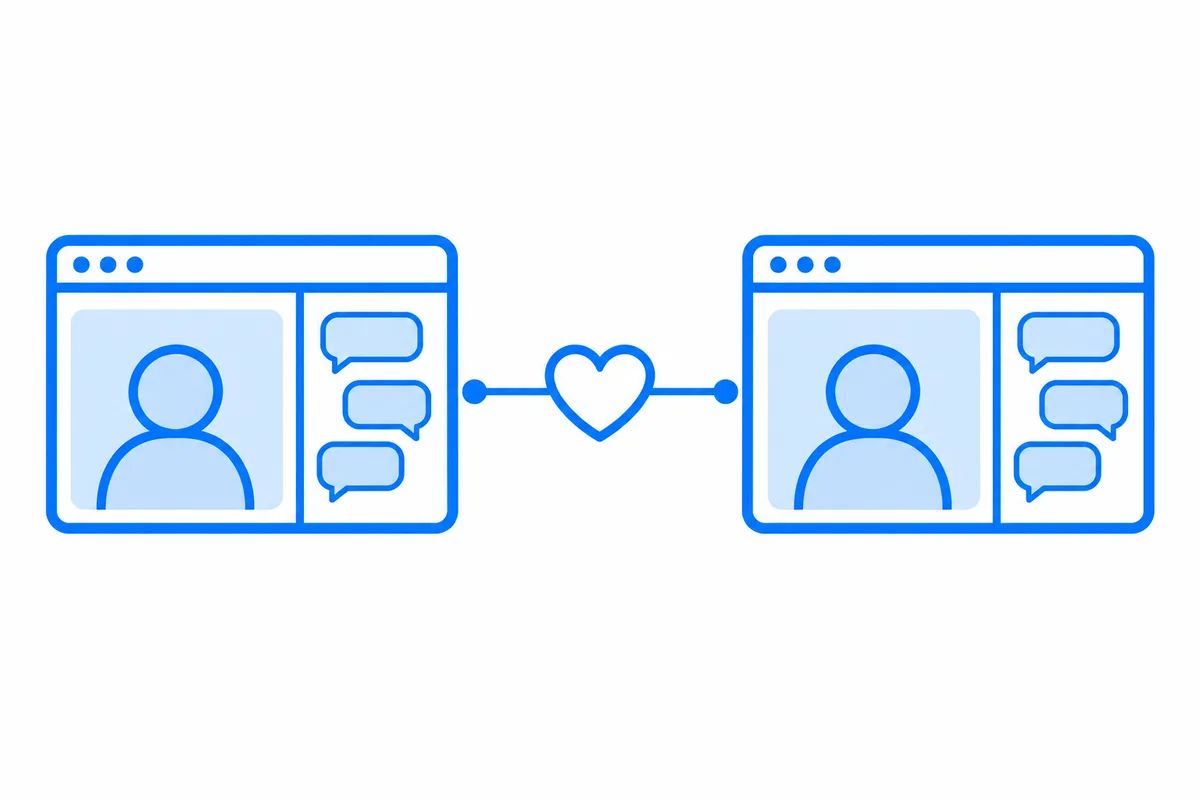
A video call looks like one feature, and in a Next.js app it is several. Two browsers have to find each other and agree on how to connect. The person called has to hear it ring on whatever page they are on. Some networks never let a direct connection through. And before any of that, your app has to decide who may call whom.
Most tutorials stop at two browsers on one page exchanging offers by hand. This post goes through every part a real app needs, with a whole working example: the dating site of our Next.js guide, where two members go on a video date in their chat. You can try it live: pick someone to be, then open it in a private window, pick another, and call.
What a video call needs
- Signaling and ringing. Before any picture, the two browsers exchange offers and network candidates through a server, and the person called must ring in every tab they have open. That takes connections held open the whole time, which a serverless function cannot keep (why, and what to do about it).
- A path between the browsers. Directly when their networks allow it, and through a relay when they don't (STUN and TURN servers, explained).
- Who may call whom. A rule on your server, with your app's own data, checked before anyone rings.
- The camera and the microphone. One prompt from the browser, devices to switch, mute and camera off.
- A call screen. Ringing, answer and reject, both videos, the time, hanging up.
- Media servers, once more than two people are in a call (how group calls work).
You can build each of these yourself on WebRTC. Or you let a realtime cloud run the connections, the ringing and the relays, while your server keeps the one part that is really yours: the rule. That is what the dating site does, through WordPlus Cloud.
The example: video dates on a dating site
Members of the site find the people they are looking for, see who is online, chat, and go on a video date before they meet in person. It is a Next.js app with the App Router and Postgres, and its realtime part is a few files. Four steps make its calls.
1. Who may call whom
On a dating site, two people may talk when each is looking for the other and neither has blocked the other. The site has that rule once, as canMeet, and a chat as a number with its members. mayChat says someone may use a chat when they are one of its members and may still meet every other one. Calls are declared by the name of the chat's room, with that rule for both people:
realtime.calls('chat:{id}', async (user, other, { id }) => {
    // The one asking: who calls, as they call, or who is called, as they answer.
    const userMayChat = await mayChat(user, id);
    // The other one of the call.
    const otherMayChat = await mayChat(other, id);
    return userMayChat && otherMayChat;
});
It runs for the one calling, and again for the one called when they answer. So a block takes effect at once: from the moment one blocks the other, canMeet says no, and the next call is refused.
2. Where the rule runs
When a page asks to call, or to answer, it asks the site's own server first, in a route handler:
import { currentUserId } from '@/lib/auth';
import { realtime } from '@/lib/realtime';

export async function POST(request: Request) {
    // JSON only, which a page of another site can't send here.
    if (!request.headers.get('content-type')?.includes('application/json')) {
        return new Response(null, { status: 415 });
    }
    const ask = await request.json();
    const user = await currentUserId();
    const pass = await realtime.authorizeCall(ask, user);
    return Response.json(pass);
}
currentUserId() is the site's own sign-in, so the session works here as on any page. When the rule says yes, the page gets a pass signed with the app's secret, and WordPlus Cloud rings the other person with it. The route answers in one short request, which is exactly what serverless hosting is good at.
3. Ringing on every page
The layout of the signed-in pages connects once, and renders the call screen beside the pages:
'use client';

import '@wordplus/realtime-ui/calls.css';
import '@wordplus/realtime-ui/chat.css';
import { useRealtime } from '@wordplus/realtime/react';
import { CallScreen } from '@wordplus/realtime-ui/react';

export function Screens() {
    return <CallScreen rt={useRealtime()} />;
}
<Screens /> sits inside RealtimeProvider in app/(app)/layout.tsx, so a call rings on any page a member has open, in every tab and on every device, and stops ringing everywhere once answered in one. The call screen is the one from Better Messages, drawn in the site's own React tree, so its CSS reaches it.
4. The call in its chat
On a dating site the call belongs with the conversation. The chat on a member's page takes its call in, beside the messages:
<Chat
    rt={useRealtime()}
    room={room}
    to={to}
    name={name}
    avatar={avatar}
    call
    startCall={start}
/>
Its top bar shows the other person with their call buttons. A Video button on a card of the catalog opens the chat with the call starting (startCall), so the date begins where the two can also write.
The chat is one place for a call among others. A CallButton places one from anywhere, a CallSpot shows calls in a part of the page you choose, and useCalls gives you every call to draw your own screen.
What comes with it
- One prompt. The browser asks once for the camera and the microphone together.
- It always connects. A call between two people goes straight between their browsers when it can, through relays on the ports every network leaves open when it can't, and through media servers when even those can't reach, moving between them without hanging up, encrypted on every path.
- It stays up. The connection, and the call with it, stays as the member moves between the site's pages.
- Group calls on the same API. A room with more people runs on media servers, with a group call button and screen of its own (video calls for apps).
Try it, then build your own
On the live demo, the eleven people are yours alone for a day, so whatever you write or whoever you call there, nobody else sees. Under each page, How this page works shows the code that makes it, a step at a time, with the values of the page you have open.
The dating site guide builds the whole site, with every file of its realtime side in full, and calls in Next.js has every way to place a call in your own app.
WordPlus Cloud for Apps is priced by concurrent connections, starting from 1,000, billed monthly or yearly. See what it does for apps, or the apps pricing. Questions about your integration? Write to us.