
 Deutsch
 Español
 Français
 Italiano
 Nederlands
 Polski
' d='M48 28h24v18a12 12 0 0 1-24 0z'/%3E%3Cpath fill='%230093DD' d='M47.5 21.5h4.6V28h-4.6zm10.2-2.5h4.6v9h-4.6zm10.2 2.5h4.6V28h-4.6z'/%3E%3Cpath fill='%23171796' d='M52.6 20h4.6v8h-4.6zm10.2 0h4.6v8h-4.6z'/%3E%3C/svg%3E) Hrvatski
 עברית
How to send push notifications from WordPress to browsers and phones
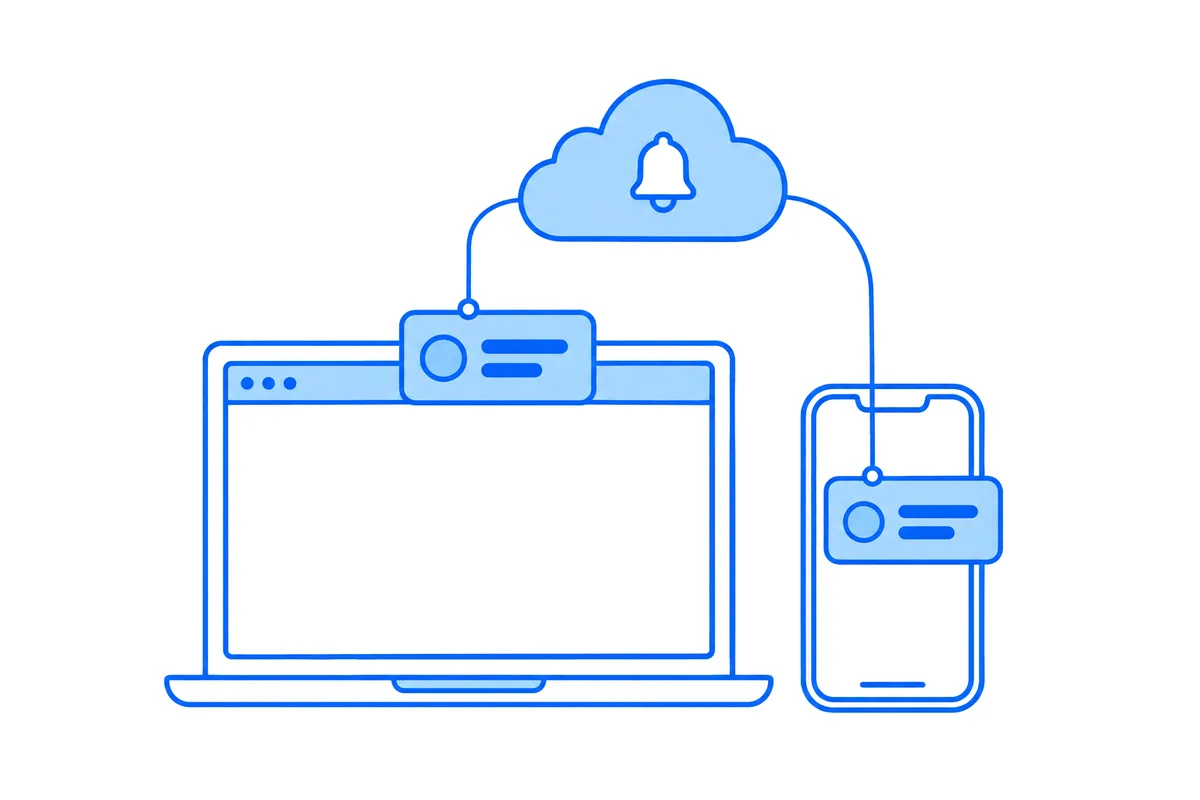
A member of your site gets a new message, but they closed the tab with your site an hour ago. An email may reach them later, somewhere among the newsletters. A push notification shows on their computer or phone within seconds, even with the site closed, and one click opens the conversation.
Browsers have supported this for years, and a WordPress site can use it too. This post explains how web push works, what makes it harder than it looks on WordPress, what to do about iPhones, and how WordPlus Cloud sends pushes for a WordPress site.
How web push works
Web push has three parts: the browser, the push service of the company that makes it, and your site.
- Permission, once. The browser asks the member whether your site may show notifications. The choice belongs to the site, and the member can change it at any time in the browser.
- A service worker. This is a small script the browser keeps for your site and starts by itself when a push arrives, so a push shows even when no page of the site is open.
- A subscription. The browser registers with its push service (Google's for Chrome, Mozilla's for Firefox, Apple's for Safari, and so on) and gives your site an address and keys for that one browser. A member with a laptop and a phone has two subscriptions.
- Sending. Your site encrypts the notification with the keys of that browser, signs the request with a key pair of its own and posts it to the address. The push service delivers it as soon as the device is online. No account with any push service is needed.
Why it is harder than it looks on WordPress
The browser side is the easy part. Sending is where a WordPress site runs into trouble.
- Each push is encrypted for one browser. A message to a group of 50 members, each with a phone and a computer, is 100 separate encryptions and 100 requests to push services. In PHP on a shared host that takes seconds, either inside the request of the member who sent the message, who waits for it, or in the background.
- Background work waits for visitors. WordPress runs its scheduled tasks, WP-Cron, when someone opens a page. On a quiet evening a queue of pushes can wait minutes for the next visitor, and the notification arrives after the moment has passed.
- WordPress does not know who is looking. A push should reach members who are away, not land on top of the conversation someone is reading right now. WordPress only sees requests, so it cannot tell who has the site open in a tab. Knowing that takes a connection that stays open, which, as we explained in why WordPress cannot hold a websocket, a WordPress host cannot keep.
- One service worker per site. A browser keeps one worker for an address. Two plugins that each install their own replace each other, and the pushes of one of them stop arriving, without any error.
- Subscriptions go stale. Members clear their browsers, change devices or turn notifications off. The push service then refuses that address, and a site that does not remove it keeps sending to nobody.
Hosted push services take the sending away, but usually with their own script on your pages, their own worker, and the devices of your members listed on their side, not on your site.
iPhones and iPads
Safari on an iPhone or iPad shows web push only for a site added to the Home Screen, from iOS 16.4 on. In an ordinary Safari tab there are no pushes at all, and few members ever add a site to their Home Screen.
So on iPhones the dependable way is an app. A native app gets its pushes through Apple's own service, and on Android through Google's, and an incoming call can ring like a phone call, on a locked screen too. That is why a site with many members on phones usually wants both: web push for computers and Android browsers, and an app for everyone else.
How WordPlus Cloud sends pushes for WordPress
WordPlus Cloud for WordPress sends the pushes of the plugins on your site, so your host never has to. Better Messages uses it out of the box, for new messages and incoming calls:
- Your site never sends a push itself. When a member sends a message, Better Messages hands it to our realtime servers together with the subscriptions of the members who may need a push. The servers encrypt and send every push, so your host makes one short request, as for any message, whatever the size of the group.
- Only to members who are away. The same servers deliver the message to every page that has the conversation open, so they know who is on the site right now. A push goes only to the members who are not, or, if you choose, also to those who have not read the message 5 seconds later.
- Nothing of the conversation on a lock screen. A message push names its sender, with their picture, and opens the conversation on a click. The message itself stays on your site, so none of it waits on a locked phone or passes through the push services.
- One notification per conversation. A newer push from the same conversation replaces the one before, so five messages in a row are one notification, not five.
- Asked once, for the whole site. WordPress serves one service worker and keeps one subscription per browser, shared by every WordPlus plugin on the site, so a member allows notifications once. Subscriptions that a push service refuses are removed by themselves.
- Every browser that has web push. Chrome, Edge, Firefox and Opera on computers and Android, Safari on a Mac, and Safari on an iPhone or iPad for a site on the Home Screen. Members who allow none of it still get email notifications.
Turning it on is one setting in Better Messages, as its web push docs show. The browser then asks each member at a moment that makes sense, when they first open a conversation, not as soon as a page loads.
Your own app for iPhone and Android
For members on phones, Better Messages builds your own iOS and Android apps, with the name and icon of your site, ready to publish in the App Store and Google Play. Their pushes go through Apple and Google, incoming calls ring like phone calls, and members sign in with their account on your site. The builds, the calls and the pushes run on WordPlus Cloud and come with the subscription. Publishing an app needs your own developer accounts with Apple and Google, and the iOS app docs walk through every step.
Push without a server of your own
Push notifications come with every WordPlus Cloud for WordPress subscription, beside live updates, calls, live streaming and AI, priced per site. Your host keeps answering requests, and members hear about a new message wherever they are.
See WordPlus Cloud for WordPress, or the pricing for your number of sites.