Introducing WordPlus Cloud: the realtime cloud for websites and apps
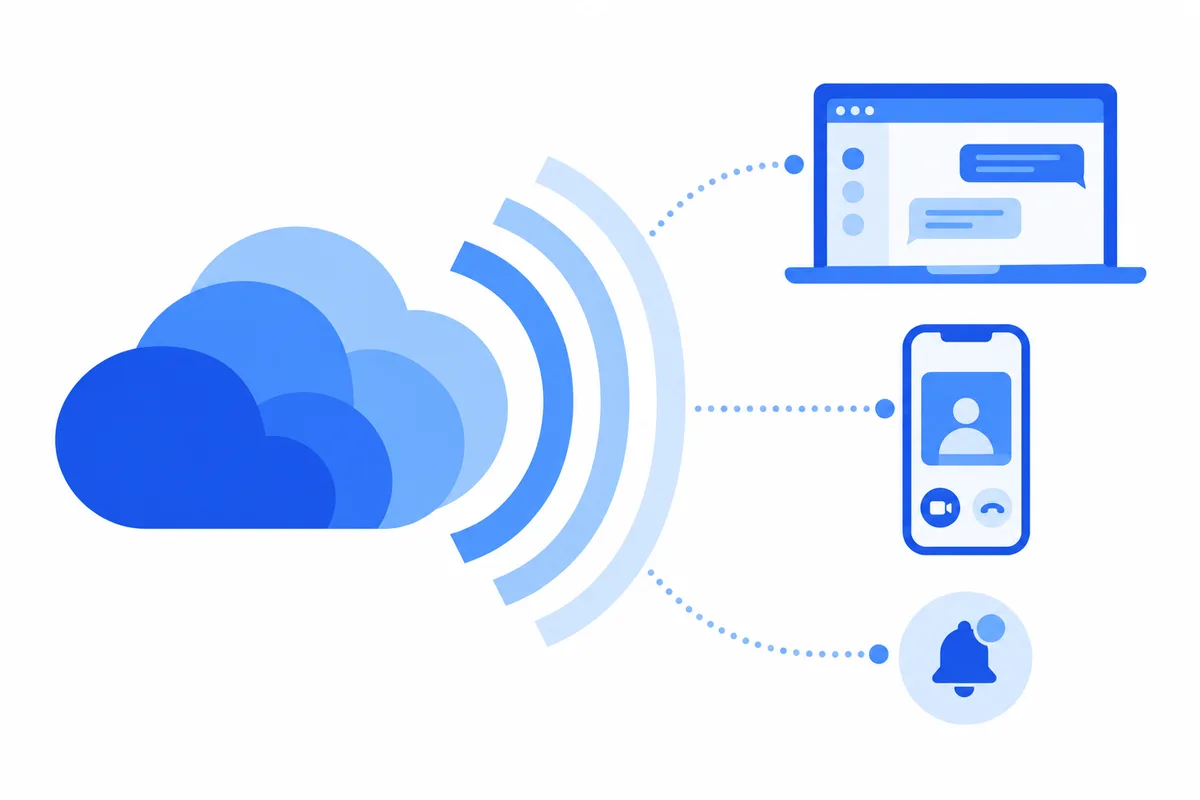
Realtime features are what make a site feel alive: a message that appears the moment it is sent, a "typing…" indicator, a notification on your phone, a call that connects with one click. They are also the features a typical WordPress host is least able to run. PHP answers a request and stops, while realtime needs connections that stay open for hours, relay servers for calls, media servers for groups and streams, and push services that reach phones.
WordPlus Cloud runs all of that for you. It is the same cloud that runs realtime messaging and calls in Better Messages, now under its own name and open to more than one plugin.
What WordPlus Cloud does
One subscription switches on every service for a site:
- Realtime delivery. Messages, notifications and page updates reach every open browser tab the moment they happen, with online status and typing indicators.
- Push notifications. Members who are away get notified in their browser, or on their phone through your own iOS and Android apps.
- Voice and video calls. Private calls connect directly, and through our relay servers when a network blocks that. Group calls run on our media servers in several regions, with up to 32 people on video and 50 on audio.
- Cloud AI. Translation, moderation and voice transcription, done in the cloud, with no AI account or API key of your own.
- Mobile apps. Your own iOS and Android apps, built in the cloud from your WordPress settings and connected to your site.
- Live streaming (in development). Broadcast live from the browser to an audience on your site.
- Developer API (in development). Realtime events for any plugin, theme or custom code on your site.
Connections are unlimited under fair use: there is no counter for members, messages or open tabs.
WordPress first, more platforms to come
Today WordPlus Cloud serves WordPress sites. A subscription covers the whole site, so every plugin on it can use the cloud, not only ours. Better Messages uses it out of the box for private messaging, group chats and calls, and the developer API will open it to other plugins, themes and custom code.
We are building the cloud for websites and apps in general, so WordPress is where we start, not where we stop.
Your site stays in charge
The plugins keep running on your own WordPress site, and the cloud only does their realtime work:
- Your data stays in WordPress. Conversations, members and files stay in your site's database. The cloud keeps only what delivery needs, such as unread counts.
- Encrypted on the way. Messages can travel through the cloud encrypted with your site's own key, so we relay them without reading them.
- Nothing to run. There are no servers to set up, scale or update, and capacity grows with your traffic.
The main servers run in Germany. Group calls and live streaming run on a mesh of media servers in several regions, close to your members.
One price per site, every service included
WordPlus Cloud has one plan: every service, unlimited connections, one price per site. You choose anything from 1 to 100 sites and pay monthly or yearly. A staging or local copy of a site does not count as another site. See pricing for the details.
If the subscription ends, your site and its data stay as they are, and the plugins simply stop using the cloud until it is active again.
What comes next
Live streaming and the developer API are the next services to arrive, and we will write about each of them here as they do. If you have a question about the cloud, or a feature you would like it to have, write to us at support@wordplus.cloud.