
 Deutsch
 Español
 Français
 Italiano
 Nederlands
 Polski
' d='M48 28h24v18a12 12 0 0 1-24 0z'/%3E%3Cpath fill='%230093DD' d='M47.5 21.5h4.6V28h-4.6zm10.2-2.5h4.6v9h-4.6zm10.2 2.5h4.6V28h-4.6z'/%3E%3Cpath fill='%23171796' d='M52.6 20h4.6v8h-4.6zm10.2 0h4.6v8h-4.6z'/%3E%3C/svg%3E) Hrvatski
Hrvatski עברית
עבריתHow to implement live streaming in Next.js
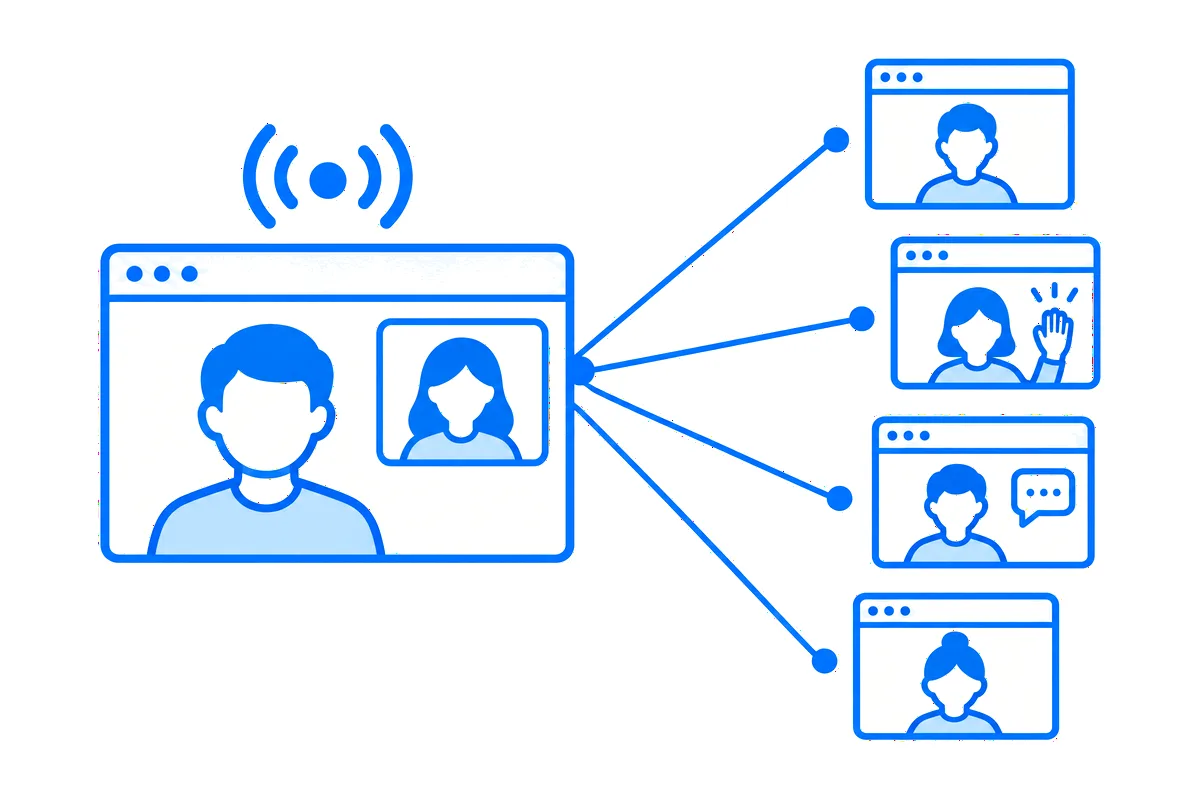
A live stream looks like one feature, and in a Next.js app it is several. A host goes live from the browser, or from an encoder such as OBS. Everyone allowed to watch sees and hears them in step, close enough to ask a question and get the answer. Viewers write in a chat, react, and some come on stage with their own camera. And before any of that, your app has to decide who hosts, who watches, and who hears that a stream has started.
This post goes through every part a real app needs, with a whole working example: Live Lessons, the live classes site of our Next.js guide, where teachers of cooking, music and fitness go live in their lessons, and students watch, ask and come on stage. You can try it live: be Mia and go live from her studio, then open her lesson in a private window as Ava, one of her students, to watch and raise a hand.
What live streaming needs
- The picture in. The host's camera and microphone from the browser, a shared screen with its sound, or an encoder over WHIP for scenes and several cameras.
- The picture out to many, in step. A stream whose audience talks back goes over WebRTC, as calls do, through media servers that send it on to every viewer (how media servers work). Its connections stay open for the whole stream, which a serverless function can't keep (why, and what to do about it).
- Who hosts and who watches. A rule on your server, with your own data: the teacher hosts, the students of the course watch, and anyone may watch an open lesson.
- A studio and a player. Going live and ending, the camera and the screen, the chat, reactions, and how many watch.
- The stage. A viewer raises a hand, the host invites them, and everyone sees them beside the host.
- Knowing what is live. Lists of the streams live now that keep up by themselves, and a notice to those who want to know.
You can build each of these yourself, on WebRTC and media servers of your own. Or you let a realtime cloud run the media, the studio and the player, while your server keeps the one part that is really yours: the rule. That is what Live Lessons does, through WordPlus Cloud.
The example: live classes
Teachers have courses, each with its lessons. A lesson is open to anyone, or only for the students of its course. A teacher goes live in a lesson from their studio, and students watch on the lesson's page. It is a Next.js app with the App Router, Better Auth and Postgres, and its realtime part is a few files. Five steps make its streams.
1. Who may watch
Each lesson has a stream, named by its number: lesson:7. The site declares them once, by that pattern, with the rule:
realtime.streams(
    'lesson:{id}',
    async (user, { id }) => {
        const lesson = await lessonOf(id);
        if (!lesson) return false;
        const me = user === null ? null : String(user);
        if (me === lesson.teacher) return { role: 'host', quality: '1080p' };
        return (await mayWatch(me, lesson)) ? 'viewer' : false;
    },
    { stage: true, reactions: true },
);
The teacher is the host, with the picture up to 1080p. Whoever mayWatch lets in is a viewer, and user is null for a visitor who isn't signed in, so an open lesson needs no account. Anyone else gets false. The settings let the stream take guests on stage, and reactions. The lesson's page asks the same mayWatch, so the page and the stream never disagree.
2. Where the rule runs
When a page asks to go live, or to watch, it asks the site's own server first, in a route handler:
import { currentUserId } from '@/lib/auth';
import { realtime } from '@/lib/realtime';

export async function POST(request: Request) {
    // JSON only, which a page of another site can't send here.
    if (!request.headers.get('content-type')?.includes('application/json')) {
        return new Response(null, { status: 415 });
    }
    const ask = await request.json();
    const user = await currentUserId();
    const pass = await realtime.authorizeCall(ask, user);
    return Response.json(pass);
}
It is the same route the dating site's video calls go through (how to implement video calls in Next.js). The rule runs with the site's own session, and the page gets a pass for the stream, signed with the app's secret, or the reason why not. The route answers in one short request, which is exactly what serverless hosting is good at.
3. The teacher's studio
A teacher goes live from a page of their own, with WordPlus Cloud's studio in it:
<LiveStream
    name={roomOf(lesson.id)}
    view="studio-page"
    title={`${lesson.position}. ${lesson.title}`}
    url={`/lessons/${lesson.id}`}
    backUrl="/studio"
/>
The studio fills the height the page gives it: the picture as large as fits, with the camera, the screen, OBS and Go live under it, and beside it, in tabs, the chat, the guests with the hands raised, and the stream with the lesson's link to share. Before it, the page checks that the one asking teaches the lesson, and sends anyone else to the lesson. Signing in takes a teacher to a list of the lessons they teach, each a click from going live.
4. The lesson's page
Students watch where the lesson is:
<LiveStream
    name={roomOf(lesson.id)}
    title={lesson.title}
    loginUrl="/signin"
    studioUrl={teaches ? `/studio/${lesson.id}` : undefined}
/>
One element draws the player and its chat. Before the lesson starts it says so, and it plays as soon as the teacher goes live, with no reload. A student who is signed in can write, react and press Ask to join on stage. A visitor watches and reads, with the way to sign in. The teacher sees the way to their studio above the player.
5. What is live, kept current
WordPlus Cloud knows which streams are live and how many watch each, so the site keeps no table of it:
export async function liveNow(): Promise<Map<string, number>> {
    const live = new Map<string, number>();
    for (const stream of await realtime.listStreams()) {
        const lesson = lessonIn(stream.name);
        if (lesson) live.set(lesson, stream.viewers);
    }
    return live;
}
The home page lists the lessons live now from it. To keep that list current on pages already open, WordPlus Cloud sends the site a webhook when a stream goes live and when it ends, and the site passes it on to a room every page joins, a visitor's too:
realtime.room('live', { public: true });

realtime.on('stream.ended', async ({ stream }) => {
    if (lessonIn(stream)) await realtime.to('live').emit('changed');
});export function LiveNow() {
const router = useRouter();
useRoom('live', { changed: () => router.refresh() });
return null;
}LiveNow sits in the layout, so every page asks the server for its lists again, with no reload. The stream.live webhook does the same, and also tells the students of the course, and for an open lesson the followers of its teacher, with a notice on whatever page they are: "Mia is live: Your first tune".
The stage, with no code of yours
stage: true in the rule is all the stage takes. While a lesson is live, a student raises a hand from the player, the teacher sees it under Guests and presses Invite, and once the student accepts, everyone watching sees them beside the teacher, camera and microphone. The teacher can mute them or take them off the stage, and the student can leave it, back to watching without a reload.
What comes with it
- From the browser or OBS. The studio goes live with the camera, a screen with its sound, or both, or takes OBS or any encoder over WHIP.
- In step. The stream goes out over WebRTC, so a question in the chat reaches the teacher while they are still on the subject.
- A chat to keep. Moderators pin, delete, mute for a while, remove and ban, and the rule may name a teacher's assistant as one:
{ role: 'viewer', mod: true }. - Taking access away. When a student leaves a course, the site takes them out of its lessons live now with
realtime.stream(name).kick(), and the rule says no from then on.
Try it, then build your own
On the live demo, the teachers and students are yours alone for a day, so whatever you stream or write there, nobody else sees. Under each page, How this page works shows the code that makes it, a step at a time, with the values of the page you have open.
The live lessons guide builds the whole site, with every file of its realtime side in full, and live streams in Next.js has every way to put a stream in your own app, a screen of your own included.
WordPlus Cloud for Apps is priced by concurrent connections, starting from 1,000, billed monthly or yearly. With 1,000 connections, live streams are unmetered up to 50 viewers at once, and each further 1,000 connections add 20. Above that, each extra viewer takes a credit a minute, counted only while the stream is live. See live streaming for apps, or the apps pricing. Questions about your integration? Write to us.