
 Deutsch
 Español
 Français
 Italiano
 Nederlands
 Polski
' d='M48 28h24v18a12 12 0 0 1-24 0z'/%3E%3Cpath fill='%230093DD' d='M47.5 21.5h4.6V28h-4.6zm10.2-2.5h4.6v9h-4.6zm10.2 2.5h4.6V28h-4.6z'/%3E%3Cpath fill='%23171796' d='M52.6 20h4.6v8h-4.6zm10.2 0h4.6v8h-4.6z'/%3E%3C/svg%3E) Hrvatski
 עברית
How to build buyer and seller chat for a marketplace in Next.js
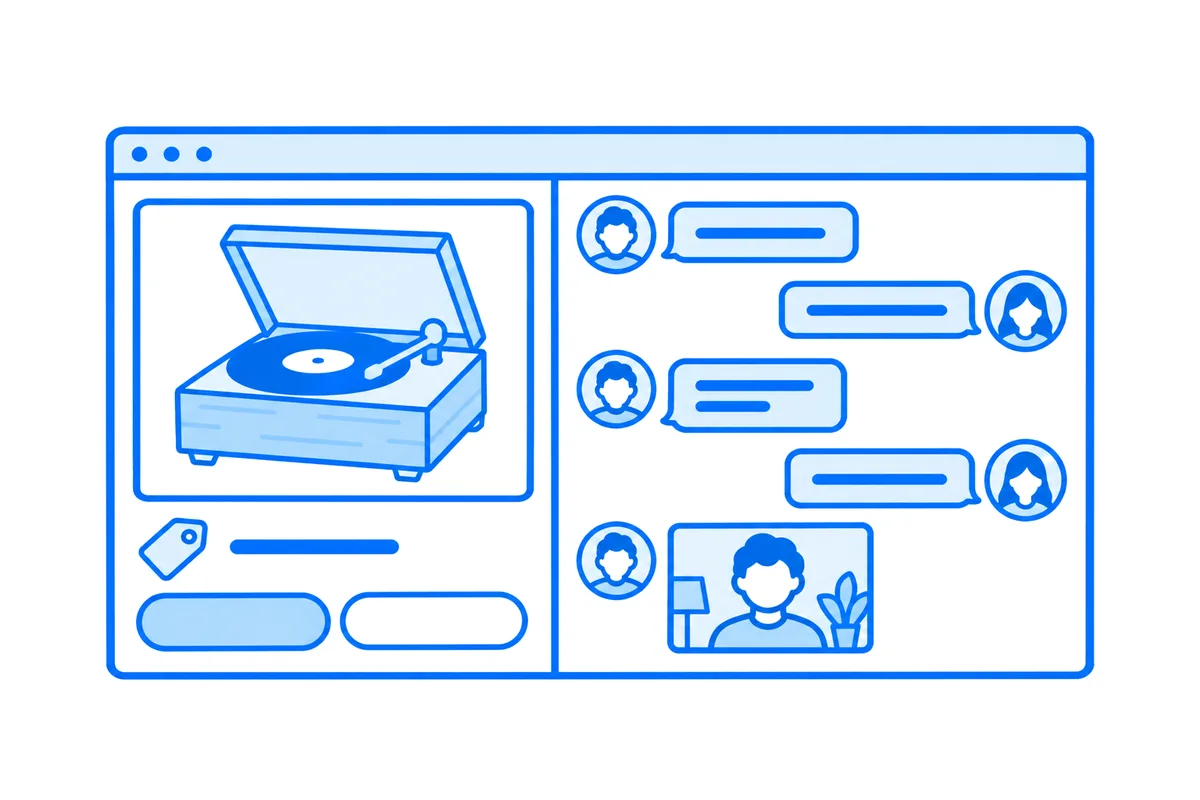
Buyer and seller chat looks like one feature, and in a Next.js marketplace it is several. A buyer asks about an item and gets an answer while they still look at it. The conversation belongs to the two of them alone, with photos nobody else can open. Sometimes a photo is not enough, and a short video call shows the item before anyone travels. An offer has to reach the seller on whatever page they are, and the answer has to reach the buyer the same way. And everyone looking at an item should see its price, and whether it is still for sale, as it changes.
This post goes through every part a real app needs, with a whole working example: the Marketplace of our Next.js guide, where neighbours buy and sell their things. You can try it live: be Omar, who sells the turntable, then open the site in a private window as Ava, whose offer of $130 for it waits for an answer. Change the offer as Ava, and Omar hears of it at once, on whatever page Omar is.
What marketplace chat needs
- A conversation per item and buyer. Each buyer who asks about an item gets a conversation of their own with its seller, and nobody else reads it, neither the other buyers nor the other sellers.
- Messages that arrive while you look. A message goes from page to page as it is sent, with typing and read ticks, and is kept in your own database. The connections that takes stay open for as long as the page does, which a serverless function can't keep (why, and what to do about it).
- Photos, kept by you. A buyer asks for a closer look, and the seller sends one. The photos stay on your server, and only the two of the conversation open them.
- A call to see the item. On video, from the conversation, before anyone comes over.
- Offers no page can fake. An offer, and the seller's yes or no, come from your server, never from a page, and both sides see them at once.
- The market as it is now. How many others look at an item, its new price, and whether it was reserved or sold, on every page that shows it.
You can build each of these yourself, on websockets and WebRTC of your own. Or you let a realtime cloud carry the messages, the calls and the counts, while your server keeps what is really yours: who may talk to whom, the conversations and the offers. That is what the Marketplace does, through WordPlus Cloud.
The example: a marketplace
Neighbours put up their things with photos and a price. A buyer opens an item, presses Message Omar, and their conversation about it opens, with the item and the offer above the chat. It is a Next.js app with the App Router, Better Auth and Postgres, and its realtime part is a few files. Five steps make its conversations.
1. A conversation per item and buyer
Each conversation is a room named by its number in the database, deal:7, and holds one item, its seller and one buyer. The site declares them once, by that pattern, with what a page may send in them and the rule:
realtime.room(
    'deal:{id}',
    { history: 50, emit: ['message', 'typing', 'reaction', 'read'], webhook: ['message', 'reaction'] },
    async (user, { id }) => mayTalk(user, id),
);export async function mayTalk(user: string | number | null, deal: string): Promise<boolean> {
return user !== null && (await partiesOf(deal)).includes(String(user));
}mayTalk asks the database who the two of the conversation are, and lets in nobody else. A page asks to join at the site's own route, /api/realtime/auth, which runs the rule with the site's own session and answers a pass signed with the app's secret, or the reason why not. Messages, typing, reactions and read ticks then go from page to page through WordPlus Cloud, and webhook sends each message and reaction to the site as well, which keeps it in Postgres:
realtime.on('message', async ({ room, from, data, event_id, at }) => {
    const deal = idIn(room, 'deal');
    if (!from || !deal) return;
    await keepAndTell({ id: event_id, deal, from: String(from), text: String(data.text ?? ''), files: data.files as unknown[], at });
});
keepAndTell keeps the message once, by the id of its event, and tells the other one of the conversation with realtime.toUser(), which reaches every page they have open: a notice that opens the conversation.
2. The chat in the page, with photos kept by you
The conversation is a ready-made chat, the one of Better Messages, in your own tree:
<Chat
    rt={useRealtime()}
    room={room}
    to={to}
    name={name}
    avatar={avatar}
    call
    messages={`/api/messages?room=${room}`}
    upload="/api/files"
    accept="image/jpeg,image/png,image/webp,image/gif"
    maxFileSize={15 * 1024 * 1024}
/>
It shows the messages your server kept, paged back as the reader scrolls up (messages), with typing, reactions, read ticks and the composer. to, name and avatar put the other one on its top bar. upload takes photos: each goes up to the site's own route as it is picked, and the message carries where it is, so WordPlus Cloud never sees the photo itself. The route asks the same rule the room has:
if (!me || !deal || !(file instanceof File) || !(await realtime.mayJoin(room, me))) {
    return Response.json({ error: 'This photo is not for this conversation.' }, { status: 403 });
}
realtime.mayJoin runs the rule of deal:{id} for the neighbour signed in, so the conversation and its photos never disagree on who may use them. The route that serves a photo asks mayTalk again, and anyone else gets a 404, even with the photo's address.
3. A call to see the item
realtime.calls('deal:{id}', async (user, other, { id }) => (await mayTalk(user, id)) && (await mayTalk(other, id)));The call has the conversation's name, and the two of the conversation may call each other in it. call on the chat puts the audio and video buttons on its top bar, and shows the call in the chat itself, beside the messages, so the buyer can ask about a scratch while the seller turns the turntable to the camera. On another page of the site the call goes on in a window in the corner. A call between two people goes straight between their browsers when it can, through a relay when a network blocks that, and is encrypted end to end on every path (how to implement video calls in Next.js).
4. Offers your server says
An offer is a promise of money, so no page may send one. The room's emit leaves offers out, and only the site's server actions make one, keep it, and tell the two:
export async function offer(deal: string, amount: number): Promise<{ error: string } | null> {
    const me = await currentUserId();
    if (!me) return { error: 'Sign in first.' };
    const made = await makeOffer(deal, me, amount);
    if (typeof made === 'string') return { error: made };
    const found = (await dealOf(deal))!;
    await realtime.to(`deal:${deal}`).emit('changed');
    await realtime.toUser(found.listing.seller).emit('offer', { deal, name: found.buyerName, amount, title: found.listing.title });
    return null;
}
realtime.to() says changed in the conversation's room, and both of its pages ask the server for themselves again, with no reload. realtime.toUser() reaches the seller on whatever page they are, as a notice: "Ava offers $135 for Wooden turntable, works perfectly". The seller's Accept or Decline goes back to the buyer the same way. Once an offer is taken, the item is reserved for its buyer at that price, the other open offers on it are declined, and each of those buyers hears it too:
for (const other of answered.declined) {
    await realtime.toUser(other.buyer).emit('answer', {
        deal: other.deal, name: seller, accepted: false, amount: other.amount, title: answered.listing.title,
    });
}
5. Who is looking, and the market as it is now
An item's page joins a room of its own, listing:7, public and counted by WordPlus Cloud, with no table of yours:
realtime.room('listing:{id}', { public: true, count: true });const { count } = useRoom(`listing:${id}`, { changed: () => router.refresh() });
const others = count === null ? 0 : count - 1;The page shows "2 other people are looking at this", and the number moves as people come and go. The same room hears changed when the seller lowers the price, or the item is reserved or sold, and the page shows it at once. Every page of someone signed in joins one more room, market, in which only the server speaks, so the market itself shows an item put up, a new price or an item sold, without a reload.
What comes with it
- Typing and read ticks, both ways, as a messenger has them.
- An inbox: every conversation, buying and selling, the latest first, and a notice of a new message on whatever page someone is.
- Whether the seller is online, or when they were last seen, on the item's page, from
useOnline(). - Names and faces from your app. The chat and the call show each neighbour by the name and photo your site gives, with no list of users kept in WordPlus Cloud.
- Sealed on the way. What goes through a private room crosses WordPlus Cloud sealed with a key your app derives, and the servers of WordPlus Cloud never hold that key.
Try it, then build your own
On the live demo, the neighbours and their things are yours alone for a day, so whatever you write or offer there, nobody else sees. Under each page, How this page works shows the code that makes it, a step at a time, with the values of the page you have open.
The marketplace guide builds the whole site, with every file of its realtime side, and for meetings of many people in the same kind of app, see how to implement video conferencing in Next.js.
WordPlus Cloud for Apps is priced by concurrent connections, starting from 1,000, billed monthly or yearly. Messages, offers, the counts of who is looking and calls between two people take no credits. See WordPlus Cloud for apps, or the apps pricing. Questions about your integration? Write to us.