
 Deutsch
 Español
 Français
 Italiano
 Nederlands
 Polski
' d='M48 28h24v18a12 12 0 0 1-24 0z'/%3E%3Cpath fill='%230093DD' d='M47.5 21.5h4.6V28h-4.6zm10.2-2.5h4.6v9h-4.6zm10.2 2.5h4.6V28h-4.6z'/%3E%3Cpath fill='%23171796' d='M52.6 20h4.6v8h-4.6zm10.2 0h4.6v8h-4.6z'/%3E%3C/svg%3E) Hrvatski
 עברית
How to implement video conferencing in Next.js
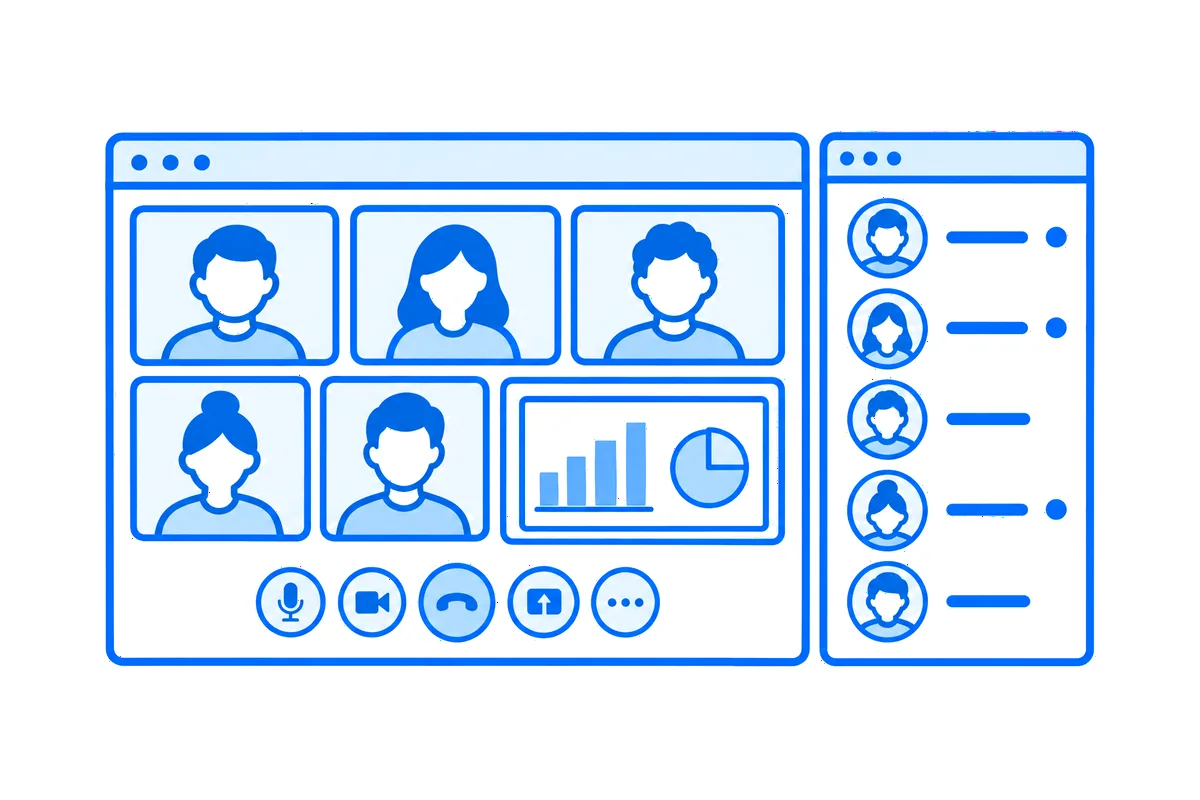
A video meeting looks like one feature, and in a Next.js app it is several. A team opens its meeting room and sees and hears each other, a few people or a few dozen, with their screens shared. Someone leads it and can mute a noisy microphone or take someone out. A colleague who opens the page while the meeting is on should be in it at once, and the rest of the team should hear that it has started, on whatever page they are.
This post goes through every part a real app needs, with a whole working example: Team Space, the team intranet of our Next.js guide, where each team has its meeting room and its channels, and colleagues see who is online and call each other. You can try it live: be Mia, who leads Design, and start its meeting, then open the Design page in a private window as Ava, of Design too, and she is in the meeting as the page opens.
What video conferencing needs
- Many cameras at once. Between two people, the picture can go straight from one browser to the other. In a meeting, each browser sends its camera once to media servers, which send it on to everyone else (how media servers work). Their connections stay open for the whole meeting, which a serverless function can't keep (why, and what to do about it).
- Who may join, and who leads. A rule on your server, with your own data: the members of the team join, its lead hosts, and nobody else gets in.
- A meeting room in the page. Everyone's camera and screen, the controls, and a meeting that goes on while people move between the pages of your app.
- Coming in. A button to start the meeting or join it, and a page that takes you straight in while the meeting is on.
- The host's controls. Mute someone, or take them out.
- Knowing it started. A notice to the team, and lists of the meetings on now that keep up by themselves.
You can build each of these yourself, on WebRTC and media servers of your own. Or you let a realtime cloud run the media and the meeting screen, while your server keeps the one part that is really yours: the rule. That is what Team Space does, through WordPlus Cloud.
The example: a team intranet
Colleagues work in teams, and each team has a lead. A team has a page of its own: its meeting room, its channels, and who is in the team, those online first. It is a Next.js app with the App Router, Better Auth and Postgres, and its realtime part is a few files. Five steps make its meetings.
1. Who may join, and who hosts
Each team has a meeting room, a group call named by the team's number: meeting:3. The site declares them once, by that pattern, with the rule:
realtime.groupCalls('meeting:{id}', async (user, { id }) => {
    if (!(await isMember(id, user))) return false;
    const team = await teamOf(id);
    return team?.lead === String(user) ? { admin: true } : true;
});
A member of the team gets in, its lead with admin: true, which makes them the host. Anyone else gets false, and the team's page asks the same isMember, so the page and the meeting never disagree. When a page asks to join, it asks the site's own server first, at /api/realtime/calls: the same route handler the dating site's calls go through (how to implement video calls in Next.js). The rule runs with the site's own session, and the page gets a pass for the meeting, signed with the app's secret, or the reason why not.
2. The meeting room in the page
The meeting shows in the team's page itself, where the page puts it, with the button to start it inside:
export function MeetingRoom({ room, team, people }: Props) {
    const rt = useRealtime();
    return (
        <CallSpot rt={rt} call={room} className="h-[32rem] rounded-2xl">
            <p>The {team} meeting room</p>
            <GroupCallButton rt={rt} room={room} type="video" title={`${team} meeting`}>
                {people.length > 0 ? 'Join the meeting' : 'Start the meeting'}
            </GroupCallButton>
        </CallSpot>
    );
}
Before the meeting, CallSpot shows what is inside it: the room's name, who is in the meeting now, and the button. Once this colleague is in, the meeting takes its place: everyone's camera in a grid, a shared screen large, and the controls for the microphone, the camera, the screen and leaving. On another page of the app, the meeting goes on in a window in the corner, and comes back here when the team's page opens again. Leaving the site, or reloading the page, asks first.
3. Straight in, as the page opens
A colleague who opens the page while the meeting is on shouldn't have to press anything. The page knows from its server whether anyone is in the meeting (step 4), and gives the spot join only then:
const [join] = useState(people.length > 0 ? ('video' as const) : undefined);

<CallSpot rt={rt} call={room} join={join} className="h-[32rem] rounded-2xl">
With join, the spot joins the meeting as the page opens, as the button would, and the rule decides as it does for a click. It is decided once, as the page opens, kept in state: someone who leaves the meeting, or whom the lead takes out, stays out while the page is open. With nobody in the meeting, the page joins nothing, and the first one in starts it with the button.
The colleague comes in with the camera and microphone off: they see and hear the meeting at once, and the browser asks for neither until they turn one on from the controls, so opening a page never starts a camera by surprise. Where people should speak as soon as they come in, joinWith="microphone" has the microphone on as they join, and "microphone camera" both.
4. Who is in it
WordPlus Cloud knows who is in each meeting, so the site keeps no table of it:
export async function inMeeting(team: string): Promise<string[]> {
    const { list } = await realtime.call(meetingOf(team)).get();
    return list.flatMap((person) => (person.user ? [String(person.user)] : []));
}
The team's page asks it while it draws, and shows the faces of those in the meeting with "Mia and Omar are in the meeting". The list of teams asks realtime.listCalls() the same way, for every meeting on now and how many are in each.
5. A meeting starting, and who hears it
When someone comes into a meeting, WordPlus Cloud sends the site a webhook. The site tells every page that the meetings changed, and when it is the first one in, it tells the rest of the team:
realtime.on('group.joined', async ({ call, user }) => {
    const team = teamIn(call);
    if (!team) return;
    await realtime.to('meetings').emit('changed');
    // The first one in starts it.
    const { people } = await realtime.call(call).get();
    if (people > 1) return;
    const others = (await peopleIn(team)).map((person) => person.id).filter((id) => id !== String(user));
    await realtime.toUser(others).emit('meeting', {
        team,
        name: (await teamOf(team))?.name,
        by: await nameOf(String(user)),
    });
});
toUser() reaches every page each of them has open, on any device. In the layout, the pages hear both:
useUserEvent('meeting', (data: MeetingStarted) => {
    if (path === `/teams/${data.team}`) return; // its page shows it already
    show(`${data.by} started the ${data.name} meeting`, `/teams/${data.team}`);
});

useRoom('meetings', { changed: () => router.refresh() });
The first shows a notice that opens the team's page: "Leo started the Engineering meeting". The second has every page ask the server for its lists again, with no reload, so who is in each meeting stays current. The group.left webhook sends changed too, when someone leaves.
The host, with no code of yours
admin: true in the rule is all the host takes. On the lead's screen, each tile of the others has mute and remove, and the call screen asks WordPlus Cloud through the same route, which takes them only from a host. A muted colleague may turn the microphone on again, and someone taken out is out at once. To keep them out, the rule says no.
What comes with it
- Screen sharing, with its sound, from the controls.
- Calls between two, too. In Team Space, a conversation with a colleague has its own call, which shows beside the messages, as the dating site's do.
- Names and faces from your app. Each tile shows a colleague's name and photo as the site's
profilegives them, with no list of users kept in WordPlus Cloud. - Taking access away. When someone leaves a team, the site takes them out of its meeting now with
realtime.call(name).remove(user), and the rule says no from then on.
Try it, then build your own
On the live demo, the colleagues and teams are yours alone for a day, so whatever you write or whoever you meet there, nobody else sees, and a meeting ends by itself after 10 minutes. Under each page, How this page works shows the code that makes it, a step at a time, with the values of the page you have open.
The team intranet guide builds the whole site, with every file of its realtime side in full, and calls in Next.js has every way to put a call or a meeting in your own app.
WordPlus Cloud for Apps is priced by concurrent connections, starting from 1,000, billed monthly or yearly. With 1,000 connections, group calls are unmetered up to 32 people on video at once, a person on audio counting half, and each further 1,000 connections add 12. Above that, each extra person on video takes a credit a minute, and calls between two people take none. See video calls for apps, or the apps pricing. Questions about your integration? Write to us.