
 Deutsch
 Español
 Français
 Italiano
 Nederlands
 Polski
' d='M48 28h24v18a12 12 0 0 1-24 0z'/%3E%3Cpath fill='%230093DD' d='M47.5 21.5h4.6V28h-4.6zm10.2-2.5h4.6v9h-4.6zm10.2 2.5h4.6V28h-4.6z'/%3E%3Cpath fill='%23171796' d='M52.6 20h4.6v8h-4.6zm10.2 0h4.6v8h-4.6z'/%3E%3C/svg%3E) Hrvatski
 עברית
How to choose a chat API: what to compare before you build
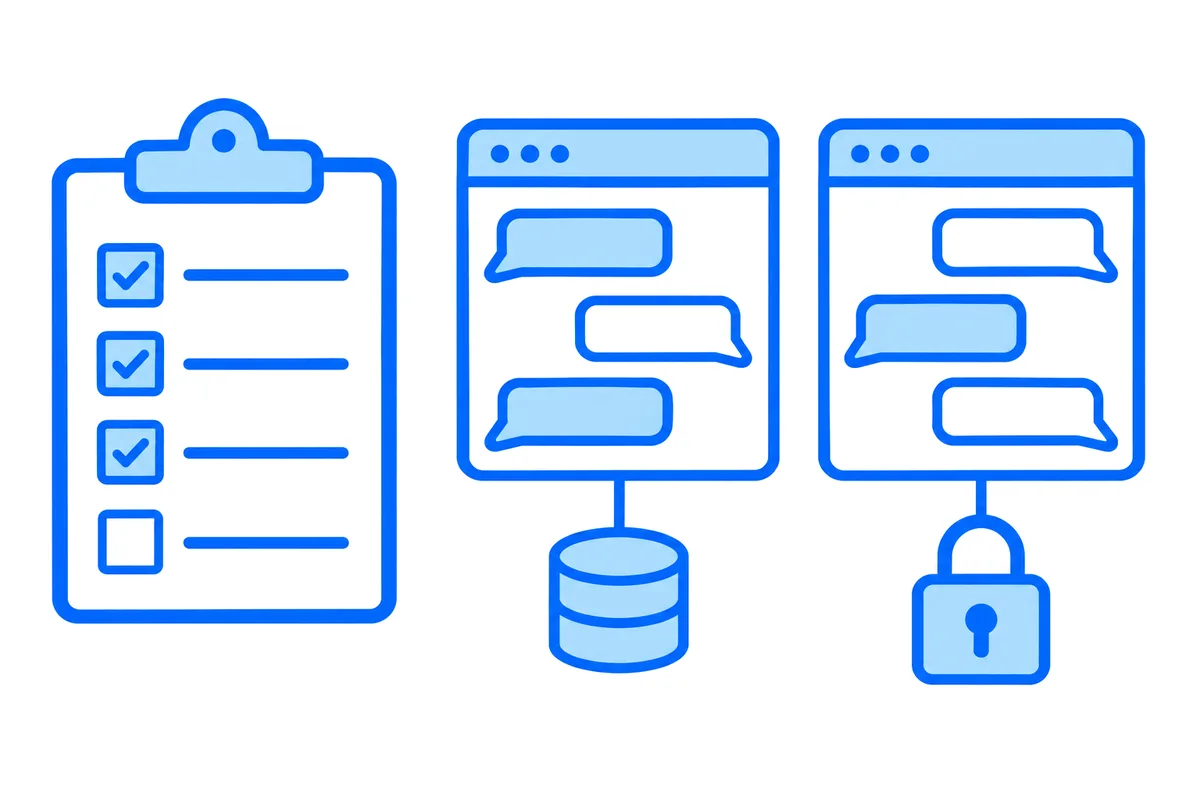
Choose a chat API by what it leaves with you and what it counts: where your messages are kept, who decides who may write to whom, what the bill grows with, and what a page gets back after it loses its connection. Typing indicators, read ticks and reactions are on every feature list, so it is those four answers that tell services apart.
This post goes through ten questions to ask of any chat API or chat SDK, with why each one matters and how to check the answer yourself. It names no service. At the end it answers every question for WordPlus Cloud, with what it leaves to you.
Chat API, chat SDK or realtime API
The words are used loosely, and two different kinds of service are sold under them.
A chat backend keeps the chat for you. Your users, their conversations and every message live in its database, and your app asks its API for them. A realtime API carries messages between the pages and apps that are open, and keeps little or nothing. The conversations stay in your own database, and your server says who may be in each.
A chat SDK is not a third kind. It is the library for one language or platform that wraps either of the two, often with a ready-made chat screen, so you do not write the connection, the retries and the message list yourself.
| Chat backend | Realtime API | |
|---|---|---|
| Messages are kept | In its database | In yours |
| Who may talk is set | In its settings | By your server |
| You write | Little at first | A table and two routes |
Neither is the better kind. The first is quicker on day one, and the second leaves you less to untangle later. Most of the ten questions below come down to which of the two you are looking at.
1. Where are the messages kept?
This is the answer the others follow from. Messages in the database of a service come with history and search on day one. They also live apart from the rest of your data. A report that joins conversations with orders, a moderator screen in your own admin, or a rule about how long a message is kept: each depends on what the API of the service lets you do.
Privacy law asks the same question. Under the GDPR a person can ask for their data to be erased, and can ask to receive it in a machine-readable format, as the European Commission lists among the rights of individuals. A chat holds a lot of personal data, so wherever the messages are, you need a way to delete and to export those of one person.
Ask:
- Can I export every conversation, in a documented format, on the plan I would buy?
- Can I delete the messages of one user through the API?
- How long is history kept on each plan, and what happens to it if I leave?
2. Who decides who may write to whom?
Every service has your server sign a token that says who the user is. What differs is where the rules live. Some services keep users, roles and memberships in their own settings, so your app has to copy every new member, every block and every ban to the service and keep the two in step. Others ask your server each time a page wants into a conversation, and your code answers from the data it already has.
Ask:
- When someone is blocked or leaves a group in my database, how soon does the chat stop them?
- Can a page write as another user, or does the service stamp the sender itself?
- Can a member read without being able to write?
3. What does the bill count?
Chat services count one of three things: the users active in a month, the messages, or the connections open at the same moment. The unit matters more than its price, because each grows with something different. Our post on realtime pricing works one chat through the models.
Counting monthly active users sounds simple until you read the definition. Usually anyone who connects once in the month counts for the whole month. Many plans also cap how many of them may be connected at the same moment, at a small share of the monthly number.
Ask:
- Who counts as active, and does a person on a phone and a laptop count once or twice?
- Are typing, read ticks and who is online counted as messages?
- What happens past the plan: is the app cut off, slowed down or billed for the extra?
4. What comes back after a lost connection?
Phones change networks, laptops sleep and servers are deployed, so every chat loses its connection many times a day. The websocket underneath does nothing about it. Its standard says only that a client should wait before it connects again, longer after each failed try, and it has no way to resume a connection or to send again what was missed. Everything a page gets back is the work of the service.
Ask:
- Does a page that reconnects get what it missed, in order, with nothing twice?
- How far back does that reach: a minute, an hour, everything?
- Is a message written while offline sent later, or lost without a word?
- Does every message carry an id, so your code can drop a repeat?
When a chat will not connect at all, our post on failed websocket connections shows how to find what closed it.
5. Can the service read the messages?
Every serious service encrypts the connection, so nobody on the network in between reads along. The question is what the service itself sees. Most see every message as plain text, which is what lets them search it, filter it and put its words into a notification. A few carry messages sealed with keys they never hold.
It is a real trade. A service that cannot read your messages cannot search or filter them for you, so that work moves to your side.
Ask:
- Who holds the keys: the service, my server, or only the devices of the people talking?
- Is it on from the start, or an extra on a higher plan?
- Does it cover files, history and the list of who is in a conversation?
6. Is there a ready-made chat, and can you change it?
A ready-made chat screen saves weeks: the message list, the composer, the scroll position, the day separators and a hundred small states. It can also be the part you fight with later, when it has to look like the rest of your app.
Ask:
- Which platforms have one: the web, React, iOS, Android?
- Can I change its colours and words, and replace one part, such as the message itself, without rebuilding all of it?
- Can a screen of my own and the ready-made one be in the same conversation?
- Does it work right to left, in dark mode and with a keyboard alone?
7. Which features does your product need?
Typing, read ticks, reactions, who is online, files, replies, mentions, edits: every list has most of them. Do not count them. Pick the three your product cannot do without, and try exactly those.
Two deserve a closer look:
- Files. Do they go to the storage of the service, with its limits on size and on how long they are kept, or to yours?
- People who are away. A message shows at once only where the chat is open. What reaches someone with every page closed: a push notification, an email, or a webhook that lets your server send either?
8. How do you moderate?
Any chat open to strangers needs someone able to mute, remove and ban. Those actions have to work on a person who is connected right now, not from their next visit. Beyond that, services differ in what they do themselves. Some filter words or score each message, which only a service that reads the messages can do.
Ask:
- Does a ban take effect at once, for someone already in the room?
- Can I see reported messages in my own admin, with my own data beside them?
- If the service filters messages, can I tune it or turn it off?
9. Does it fit your stack, and where your users are?
Look for a server library in the language you write, or a plain HTTP API you can call from any language. Then look for a client for every platform you plan for the next two years, not only the ones you ship today. A web app that becomes an iOS and an Android app next year should not need a second chat.
Then look at a map. A message travels from the sender to the service and on to the reader, so a service with servers on one continent adds that trip for everyone on the others.
10. What are the limits, and how would you leave?
Read the limits page before the feature page: the size of a message, how many a user may send a second, how many members a group may have, and how many conversations one page may follow at once. A limit is not a flaw. A limit you find in production is.
And picture the day you leave. With the conversations in your own database, changing the service that carries them is a change of code. With them in the database of a service, it is a migration of every message, file and read state, on the terms of its export.
Try it for an afternoon
A price list and a feature table cannot answer most of these. A small test can. Build the smallest chat you can on each service you are weighing, and run these seven steps:
- Open a conversation as two users in two browsers, and as one of them in a second tab. Send from each, and watch all three.
- Turn the Wi-Fi off on one device for two minutes, send five messages from the other, and turn it back on. Count what arrives, and in which order.
- Write a message while offline. See whether it is sent when the connection returns.
- Block one user in your own database. See whether they can still write, and for how long.
- From the browser console, try to send as the other user.
- Close every page of one user and write to them. See what reaches them.
- Open the usage page of the service, and read what this afternoon was counted as.
How WordPlus Cloud answers them
WordPlus Cloud is of the second kind: a realtime API, with a chat SDK and a ready-made chat on top. The same ten questions, in order:
- Messages are kept in your database. A webhook brings each one to your server, signed, and the chat loads its history from a route of yours. A room holds its last events for 5 minutes, only for pages that reconnect.
- Your server decides. A rule for each kind of conversation reads your own data and answers who is in, who may only read and who is kept out. The cloud stamps the sender of every message, so a page cannot write as someone else, and your server can take a person out at once.
- The bill counts concurrent connections, starting from 1,000: $11.99 a month billed yearly, or $14.99 billed monthly. Messages, typing, read ticks and files are never counted. The tabs of one browser share one connection, and what your server sends uses none.
- A page that reconnects gets what it missed, in order, from those 5 minutes of history, and anything older from your route. Every message has an id, the same one your webhook gets, so a repeat is kept once.
- We cannot read a private conversation. Its messages, its history and who is in it travel sealed with keys your server makes and our servers never hold.
- A ready-made chat on the web, as an element for any page and as a React component, with typing, read ticks, reactions, files and calls. Its colours and words are yours to change, and a screen you draw yourself talks in the same conversations.
- Files go to your storage, through a route of yours, and the message carries only where the file is. A notice from your server reaches every page and app a user has open.
- Moderation is your rules. A block, a mute and a ban are rows in your database, and the rule reads them.
- Server libraries for Node.js, PHP and Python, with guides for Next.js, Express, Laravel, plain PHP, Django, FastAPI and Flask, an HTTP API for any other language, and SDKs for iOS and Android. The network page shows where the servers are.
- The limits are published: 1 MB an event, 50 events a second from a page, and 100,000 members in a room that shows who is in it. Up to 20% above your plan still connect, and you get an email at 80% and at 100% of it.
The chat guide builds a conversation of two and a group in each stack, with the table, the webhook and the history route. The buyer and seller chat of a marketplace in Next.js is a whole app built this way, and the live demo is a small shop where a customer writes to the shop, each in a window of their own.
What it leaves to you
- A table, a webhook handler and a history route. Your messages are kept by code you write, and so is their search.
- People with nothing open. The SDKs for iOS and Android push calls, so a phone rings while the app is closed, and they push nothing else. For a message to someone away, your server sends the email or the push.
- A chat screen in mobile apps. iOS and Android have the rooms, typing and who is online, on a screen your app draws.
- Filtering. There is no word filter of ours, as we cannot read what a private conversation says. Your webhook gets each message, and what to do with one is your code.
If you want a chat that keeps and searches every message with no table of your own, a chat backend fits you better. So it does if your app has no server at all, as nothing could answer the rules.
Start with the chat guide
WordPlus Cloud for Apps is priced by concurrent connections, starting from 1,000, billed monthly or yearly. Calls between two people from the chat are included, and the same plan and SDK bring group calls and live streaming on the same connection. See the chat API and SDK for each part of a chat in every stack, what the cloud does for apps, or the apps pricing. Questions about your integration? Write to us.