
 Deutsch
 Español
 Français
 Italiano
 Nederlands
 Polski
' d='M48 28h24v18a12 12 0 0 1-24 0z'/%3E%3Cpath fill='%230093DD' d='M47.5 21.5h4.6V28h-4.6zm10.2-2.5h4.6v9h-4.6zm10.2 2.5h4.6V28h-4.6z'/%3E%3Cpath fill='%23171796' d='M52.6 20h4.6v8h-4.6zm10.2 0h4.6v8h-4.6z'/%3E%3C/svg%3E) Hrvatski
Hrvatski עברית
עבריתPlugins built for Pusher now connect to WordPlus Cloud
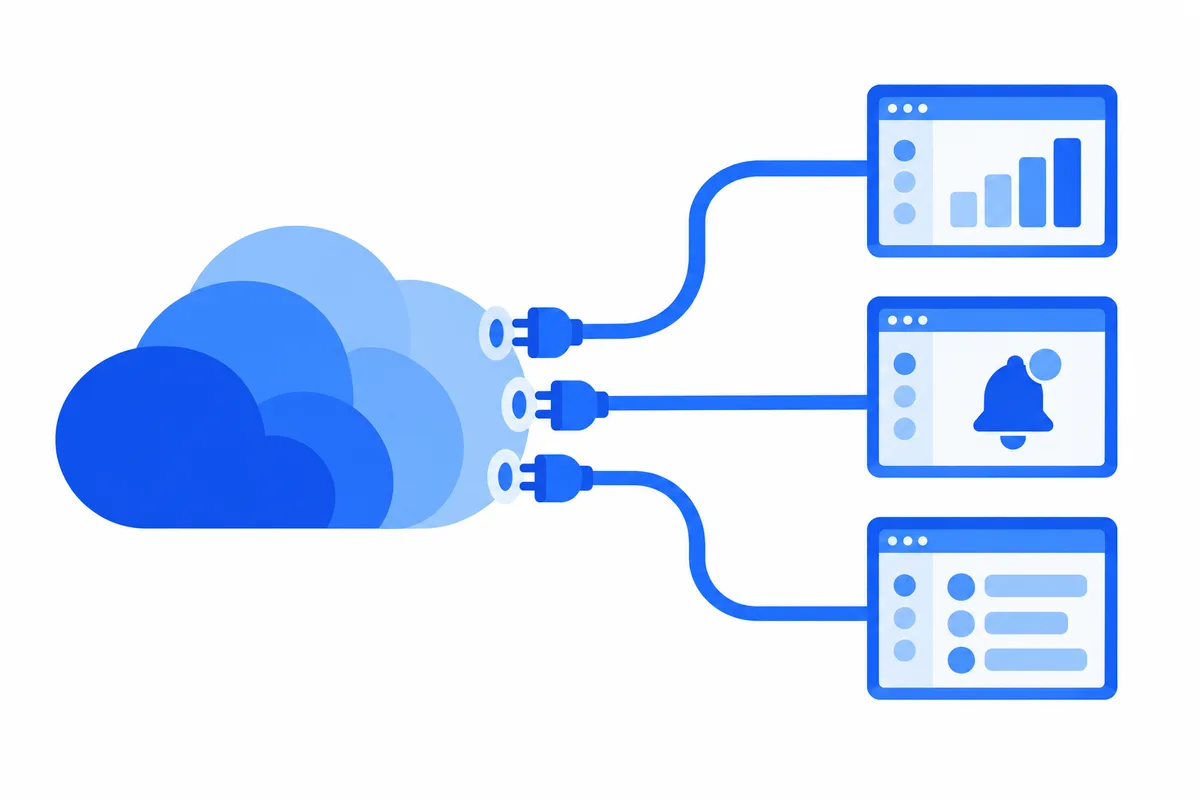
Some WordPress plugins add their live features through the Pusher Channels protocol: notifications that appear without a reload, dashboards and order lists that update on their own, live comments and chats. From today WordPlus Cloud speaks that protocol too, so those plugins can run on the same cloud as ours, on your WordPlus Cloud subscription, with unlimited connections under fair use.
What the Pusher-compatible API is
The Pusher-compatible API speaks version 7 of the Pusher Channels protocol, the current one. Plugins built for Pusher, and the client and server libraries they use, connect to the cloud as they are, with nothing in their code changed. You enter our hosts and your site's keys in their settings, and their channels, presence and events run on the cloud.
Every site on a WordPlus Cloud subscription has its own app ID, key and secret, in your account under Sites → Realtime API keys. A site doesn't need any of our plugins to get them: add it under Sites → Add site.
Connecting a plugin
A plugin built for Pusher can connect when its settings let you enter a host. Fill them in like this:
| Setting | Value |
|---|---|
| WebSocket host | ws.wordplus.cloud |
| HTTP API host | rest.wordplus.cloud |
| Port | 443, with TLS on |
| App ID, key and secret | Your site's, from Sites → Realtime API keys |
| Cluster | Any value, such as mt1, if the plugin asks for one |
The cluster makes no difference, since the host is the one used. A plugin that asks only for a cluster, with no field for a host, can't connect yet: ask its author to add one, a small change on their side.
Keep the secret on your server. It signs the events your site sends, so it never belongs in a page.
In your own code
A theme or your own code connects the same way. In the browser:
const pusher = new Pusher('YOUR_KEY', {
  cluster: 'mt1',
  wsHost: 'ws.wordplus.cloud',
  wsPort: 443,
  wssPort: 443,
  forceTLS: true,
  enabledTransports: ['ws', 'wss'],
});

pusher.subscribe('orders').bind('new-order', (order) => {
  showOrder(order);
});
Your server sends events through the HTTP API host, rest.wordplus.cloud, with the site's app ID, key and secret. The Realtime API page in your account has these settings, with examples for Laravel, Laravel Echo, PHP and Node.js.
What's supported
- Public, private, presence and encrypted channels
- Client events on private and presence channels, up to 10 a second per connection
- User sign-in, and events sent to a user
- The HTTP API: an event to up to 100 channels at once, batches of up to 10 events, channels and their users, and closing a user's connections
- Events of up to 10 KB
Webhooks and cache channels are not supported yet, and connections use WebSocket only, with no HTTP fallback.
Beside our own plugins
WordPlus plugins don't use this API. They talk to the cloud over our own protocols, made for what they do, such as messages, calls and live streams, and they share one connection per page. A plugin built for Pusher opens its own connection beside theirs, and both run on the same subscription.
And the developer API
The Pusher-compatible API is for plugins that already exist. The developer API, which we are building now, is for new code: our realtime SDK for any plugin, theme or custom code. It will share the one connection a page has with our plugins, connect directly to our servers, and move to another server without a drop when one restarts. We will write about it here when it is ready.
Getting started
- Subscribe to WordPlus Cloud for your site on the pricing page.
- In your account, open Sites → Realtime API keys and copy the site's app ID, key and secret.
- Enter them, with our hosts, in the plugin's settings.
If a plugin doesn't connect, or you would like us to look at one before you subscribe, write to us at support@wordplus.cloud.