
 Deutsch
 Español
 Français
 Italiano
 Nederlands
 Polski
' d='M48 28h24v18a12 12 0 0 1-24 0z'/%3E%3Cpath fill='%230093DD' d='M47.5 21.5h4.6V28h-4.6zm10.2-2.5h4.6v9h-4.6zm10.2 2.5h4.6V28h-4.6z'/%3E%3Cpath fill='%23171796' d='M52.6 20h4.6v8h-4.6zm10.2 0h4.6v8h-4.6z'/%3E%3C/svg%3E) Hrvatski
 עברית
How to test a TURN server: does it answer, log in and relay?
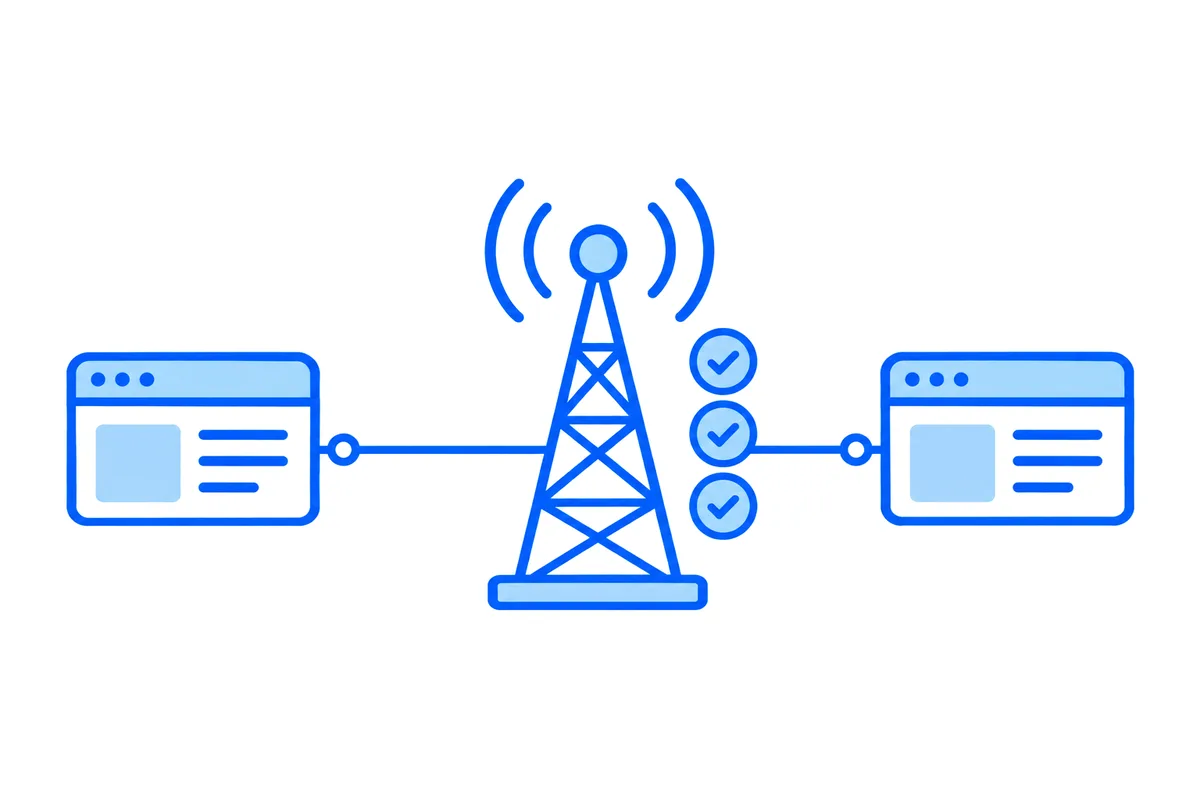
To test a TURN server, check three things in order: that it answers on the port you gave, that it accepts your credentials, and that data really passes through its relay. A server can pass the first two and still fail every call, so the third is the one that counts.
This post goes through each check with our free TURN server test, says what its errors mean and how to fix them, and shows how to run the same checks by hand.
What a working TURN server has to do
A TURN server carries a call when two devices cannot reach each other directly (STUN and TURN servers explains why that happens). For that it has three separate jobs:
- Answer. Something listens at that address, on that port and protocol, and the networks in between let the traffic through.
- Log you in. It accepts your username and credential, and gives the browser a relay address.
- Relay. Data sent to that relay address reaches the browser, and the other way round.
Many checks stop at the second job, which misses a common failure. The server answers on its main port, while the relay uses a wide range of other ports, by default 49152 to 65535 on coturn. With those closed, the server still hands out an address and looks healthy, and calls through it fail.
Test it in your browser
- Open the TURN server test.
- Enter each address on its own line, one for each way in you offer:
turn:turn.example.com:3478?transport=udp
turn:turn.example.com:3478?transport=tcp
turns:turn.example.com:443?transport=tcp- Enter the username and credential. With time-limited credentials, make a fresh pair first.
- Run the test.
Each address is tested on its own, so a line that fails says so by itself. Your browser talks straight to your server, and nothing you type reaches us.
To check only that a server can be reached, leave both fields empty. The server refuses a login that isn't valid, and only the server can answer that way, which shows the port is open.
What the results mean
- A relay address came back and data passed. The server works from this browser on this network. The test also shows the round trip through the relay and back.
- A relay address came back but no data passed. The relay ports are probably closed in the server's firewall, or a server behind NAT doesn't have its public address set. Some servers also refuse to relay to their own address, which fails this step while real calls may work, so try a call between two networks before changing anything.
- Error 401 or 441. The server answered and refused the login. The username or credential is wrong, or time-limited ones have expired. If a fresh pair fails too, check the secret they are made from, and the clock on the server.
- Error 486. This user already holds as many relays as the server allows, often because old tabs or restarted calls left theirs behind. They free up when those allocations end.
- Error 701. The browser could not reach the server at that address, port and protocol. Check the name, the port and the firewalls on both sides. Chrome can also report 701 for one network interface while another works, so it counts only when no address comes back.
- No answer. Nothing came back before the test gave up, which usually means a wrong port, or a firewall dropping the traffic.
- The browser ended the check at once. It never asked the server. A browser setting, an extension or a VPN can cause this, so try without them or in another browser.
Not every browser tells a page what a server answered. If a row says Not tested, run the test in Chrome or Edge on a computer.
Test every way in
A network that blocks UDP may still allow TCP, and a strict one may allow only what looks like web traffic on port 443. That is why a TURN server usually offers several ways in, and why each needs its own test.
Passing from your own desk also says little about your users. Run the test from the networks they are on: a phone on a mobile network, a hotel, an office with a strict firewall. The WebRTC test shows what any of those networks allows, with no server of yours involved.
Test it by hand
This does the login check in a browser console, on any page served over HTTPS:
const pc = new RTCPeerConnection({
  iceServers: [{
    urls: 'turn:turn.example.com:3478?transport=udp',
    username: 'your-username',
    credential: 'your-credential',
  }],
  iceTransportPolicy: 'relay',
});

pc.onicecandidate = ({ candidate }) => {
  if (candidate) console.log('Relay address:', candidate.address, candidate.port);
};
pc.onicecandidateerror = ({ errorCode, errorText }) => {
  console.log('Error', errorCode, errorText);
};

pc.createDataChannel('test');
await pc.setLocalDescription();
iceTransportPolicy: 'relay' makes the browser use nothing but the TURN server, so a relay address is the only kind of candidate that can come back. As above, an address proves the login and not the relay itself.
On a server with coturn installed, its own client also sends data through the relay:
turnutils_uclient -u your-username -w your-credential -y -n 5 turn.example.comRun it from a machine outside the server's own network. From inside, it can pass where your users would fail.
If you would rather not run one
All of this is for a TURN server of your own. Calls on WordPlus Cloud use our relays, which run in regions around the world, with each device reaching the nearest. Relays are never charged, as what video calls cost sets out, and there is nothing for you to host. The docs on calls show how an app uses them.
To see whether a network reaches them, press Test our relays in the TURN server test, or run the connection test, which checks the rest of the cloud too.