
 Deutsch
 Español
 Français
 Italiano
 Nederlands
 Polski
' d='M48 28h24v18a12 12 0 0 1-24 0z'/%3E%3Cpath fill='%230093DD' d='M47.5 21.5h4.6V28h-4.6zm10.2-2.5h4.6v9h-4.6zm10.2 2.5h4.6V28h-4.6z'/%3E%3Cpath fill='%23171796' d='M52.6 20h4.6v8h-4.6zm10.2 0h4.6v8h-4.6z'/%3E%3C/svg%3E) Hrvatski
 עברית
Online and offline indicators: how presence works in a web app
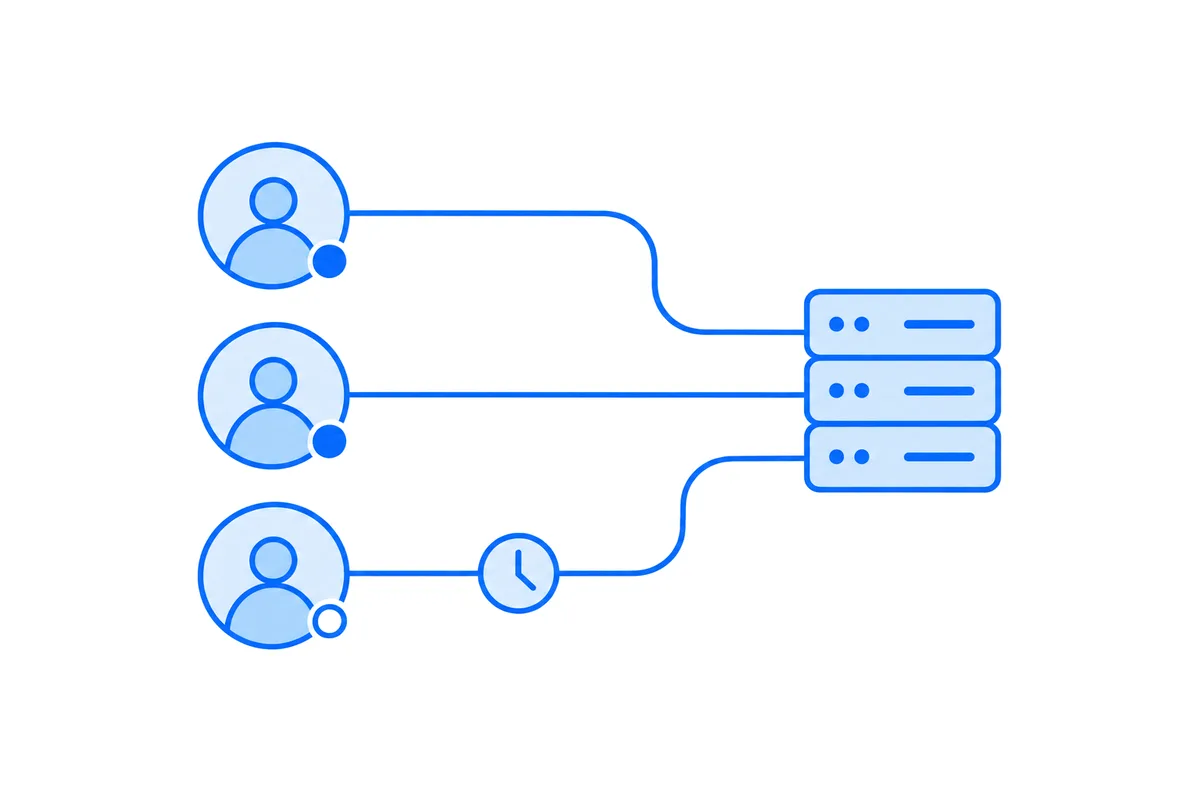
To show who is online in a web app, every open page keeps a WebSocket to your server, the server counts each user as online while at least one of their connections is open, and it tells the pages that show that user when the count goes from zero to one and back. Two details decide whether the dot can be trusted: a short wait before marking anyone offline, so a reload doesn't flicker, and a ping that finds the connections that died without closing.
This post builds that server in about 80 lines of Node.js, runs it against tabs that open, reload, close and lose their network, and shows the log. Then what changes past one server, and how the same dot looks when a realtime cloud keeps the connections.
What "online" means
Users don't connect, connections do. One person can have three tabs open, a phone app in the background and a laptop asleep in a bag. So presence is a count per user:
- Online while the count is above zero.
- Offline once it has been zero for a few seconds, the grace period.
- Last seen is when the count last fell to zero.
Polling can't give you this. A page that asks your API "is Ann online?" every 30 seconds learns it 15 seconds late on average, and your server answers the question for every dot on every page, whether anything changed or not. An open connection tells the server the moment a tab closes, and the server tells only the pages that show Ann.
A presence server in Node.js
The server keeps four maps: each user's open connections, when they were last seen, the timers of users who are leaving, and who watches whom. It uses the ws package:
import { WebSocketServer } from 'ws';

const GRACE = Number(process.env.GRACE ?? 10_000);  // offline this long after the last tab closes
const BEAT = Number(process.env.BEAT ?? 15_000);    // ping every connection this often

const sockets = new Map();   // user id -> the set of their open connections
const lastSeen = new Map();  // user id -> when their last connection closed
const leaving = new Map();   // user id -> the timer that will mark them offline
const watchers = new Map();  // user id -> the connections that show their dot

const isOnline = (id) => sockets.has(id) || leaving.has(id);

function tell(id, online) {
  const at = online ? null : lastSeen.get(id);
  for (const ws of watchers.get(id) ?? []) {
    ws.send(JSON.stringify({ type: 'presence', id, online, at }));
  }
}

function arrive(id, ws) {
  if (leaving.has(id)) {            // back within the grace: nobody saw them go
    clearTimeout(leaving.get(id));
    leaving.delete(id);
  } else if (!sockets.has(id)) {
    tell(id, true);                 // their first connection
  }
  if (!sockets.has(id)) sockets.set(id, new Set());
  sockets.get(id).add(ws);
}

function depart(id, ws) {
  const mine = sockets.get(id);
  mine.delete(ws);
  if (mine.size > 0) return;        // another tab is still open
  sockets.delete(id);
  lastSeen.set(id, Date.now());
  leaving.set(id, setTimeout(() => {
    leaving.delete(id);
    tell(id, false);
  }, GRACE));
}

const wss = new WebSocketServer({ port: Number(process.env.PORT ?? 8080) });

wss.on('connection', (ws, req) => {
  // A real app reads the user from a signed token or its session cookie, never from the address.
  const id = new URL(req.url, 'http://x').searchParams.get('user');
  ws.watching = new Set();
  ws.alive = true;
  ws.on('pong', () => { ws.alive = true; });
  arrive(id, ws);

  ws.on('message', (raw) => {
    const msg = JSON.parse(raw);
    if (msg.type !== 'watch') return;
    for (const other of msg.ids) {
      if (!watchers.has(other)) watchers.set(other, new Set());
      watchers.get(other).add(ws);
      ws.watching.add(other);
      const online = isOnline(other);
      ws.send(JSON.stringify({ type: 'presence', id: other, online, at: online ? null : lastSeen.get(other) ?? null }));
    }
  });

  ws.on('close', () => {
    for (const other of ws.watching) watchers.get(other)?.delete(ws);
    depart(id, ws);
  });
});

// A connection that died without a close frame answers no ping: end it, and its user leaves as above.
setInterval(() => {
  for (const ws of wss.clients) {
    if (!ws.alive) { ws.terminate(); continue; }
    ws.alive = false;
    ws.ping();
  }
}, BEAT);
The ping at the end is the part most first versions leave out. A laptop that sleeps or a phone that walks out of Wi-Fi sends no close frame, so without it the server keeps that user online for as long as the operating system holds the dead TCP connection, which with no traffic on it can be hours. RFC 6455 says an endpoint that gets a ping must answer with a pong, and browsers do that by themselves, so the page needs no code for it. The pattern of marking, pinging and ending what didn't answer is the one in the ws README.
The page opens the connection, says whose dots it shows, and draws what comes back:
const ws = new WebSocket('wss://example.com/presence');

ws.onopen = () => ws.send(JSON.stringify({ type: 'watch', ids: ['ann', 'cara'] }));

ws.onmessage = ({ data }) => {
  const { id, online, at } = JSON.parse(data);
  const dot = document.querySelector(`[data-user="${id}"] .dot`);
  dot.classList.toggle('online', online);
  dot.title = online ? 'Online' : at ? `Last seen ${new Date(at).toLocaleString()}` : 'Offline';
};
A page that loses its own connection should reconnect and send its watch again, as WebSockets in JavaScript shows for any message a page needs after a drop.
What the test showed
We ran the server with a grace of 2 seconds and a beat of 1 second, so the run is short, with Node.js clients standing in for the tabs: Ben watches Ann while Ann opens two tabs, closes one, reloads the other, closes it, then opens a tab that stops answering pings, as a page does when the network under it disappears.
| Time | Ann | Ben sees |
|---|---|---|
| 0.6 s | opens tab 1 | online |
| 0.9 s | opens tab 2 | nothing |
| 1.2 s | closes tab 1 | nothing |
| 1.7 s | reloads tab 2 | nothing |
| 2.5 s | closes her last tab | nothing yet |
| 4.5 s | offline, last seen 2.5 s | |
| 5.1 s | opens a tab, then loses her network | online |
| 7.1 s | server ends the dead connection | nothing yet |
| 9.1 s | offline, last seen 7.1 s |
Three things to read from it:
- Tabs are one person. Closing one of two tabs changed nothing for Ben.
- A reload doesn't flicker. The page was gone for 0.3 seconds, inside the grace, so Ben never saw Ann leave.
- A dead network is found within two beats. The tab that stopped answering was ended 2 seconds after it last spoke, and Ann went offline one grace later. With the defaults in the code, a beat of 15 seconds and a grace of 10, that is 40 seconds at most. "Last seen" is when the server ended the connection, so it can be up to two beats after she really left.
Pick the grace from how long your pages take to come back. Too short and every reload blinks the dot, too long and people look online after they left. Ten seconds covers a reload on a slow phone.
Past one server
The maps above live in one process. Put two servers behind a load balancer and Ann's two tabs can land on different ones, while Ben's page sits on a third. Each server then sees part of Ann, and none of them knows whether she is online. Three things change:
- The count is shared. Each server keeps how many connections it holds for each user in a shared store such as Redis, and a user is online while the sum is above zero.
- A server that crashes takes its counts with it, or should. If each server writes its part with an expiry it renews every few seconds, the users of a crashed server go offline by themselves, rather than staying online for good.
- Changes reach every server. Ben is watched on a server that never saw Ann connect, so an online or offline change goes out on a channel every server listens to, and each one tells the pages it holds.
Websockets in Node.js past one server goes through that shared channel and the rest a second server brings.
Online, last seen, and hidden
A few choices sit on top of the count:
- Who may see it. Watching is a request like any other: the server decides whose status a user may get, such as their contacts or the people in the same room, and refuses the rest.
- A "Hide my status" setting belongs on the server too. The server never sends that user as online to anyone. A page that only hides the dot still receives the status, and anyone who opens the browser tools reads it.
- How many a page watches. Each change goes to every page that watches the user, so a user watched by 2,000 pages going online is 2,000 messages. Watch the people on screen, not the whole address book.
- Away. Online says a page is open, not that someone is looking at it. An app that wants "away" sends it itself, for example when the page goes hidden.
When a realtime cloud keeps the connections
Everything above is a server of your own beside your app: the connections, the beat, the grace, a shared count once there are two servers, and the fan-out to the pages that watch. WordPlus Cloud keeps the connections instead, and every page whose user your server vouched for makes that user online. They go offline 10 seconds after their last connection closes. Your server only says who stays hidden:
// server.mjs, beside your routes
import { createRealtime } from '@wordplus/realtime/server';

const realtime = createRealtime({
  // …your app key and secret, as in the getting started guide
  hidden: async (user) => (await db.users.find(user))?.hideStatus === true,
});
The page watches the people it shows:
import { connect } from '@wordplus/realtime';

const rt = await connect({ app: 's1500000007' });

rt.online.watch([34, 43]).on('change', ({ id, online, at }) => drawDot(id, online, at));
rt.online.on('count', (n) => (onlineNow.textContent = `${n} online`));- Status now, then every change:
watch()gives each user's status at once, andrt.online.lastSeen(43)says when someone offline was last there. - Up to 1,000 users watched a connection.
- Your server asks too, with
realtime.online.has(42),.count()and.states([42, 43]), and hearsuser.onlineanduser.offlineas they happen, to keep last seen in your own database. - Who is in a room, not in the app: a presence room lists its members to everyone in it, with what your rule shows of each, and a count room says how many look at a page. What each member shows is sealed with keys your app derives, so our servers list people without reading it.
How each of these looks in your stack, Node, PHP or Python, with the React hooks useOnline and usePresence: who is online and who is here and presence in depth in the docs. To check that your own presence server answers, the WebSocket test opens a connection from the browser and logs each message both ways.
Who is online, for your app
WordPlus Cloud for Apps is priced by concurrent connections, starting from 1,000, billed monthly or yearly, with nothing to run on your servers. See websockets for apps, all of the cloud for apps, or the apps pricing. Questions about your integration? Write to us.