
 Deutsch
 Español
 Français
 Italiano
 Nederlands
 Polski
' d='M48 28h24v18a12 12 0 0 1-24 0z'/%3E%3Cpath fill='%230093DD' d='M47.5 21.5h4.6V28h-4.6zm10.2-2.5h4.6v9h-4.6zm10.2 2.5h4.6V28h-4.6z'/%3E%3Cpath fill='%23171796' d='M52.6 20h4.6v8h-4.6zm10.2 0h4.6v8h-4.6z'/%3E%3C/svg%3E) Hrvatski
 עברית
Video calls in JavaScript: how WebRTC connects two browsers
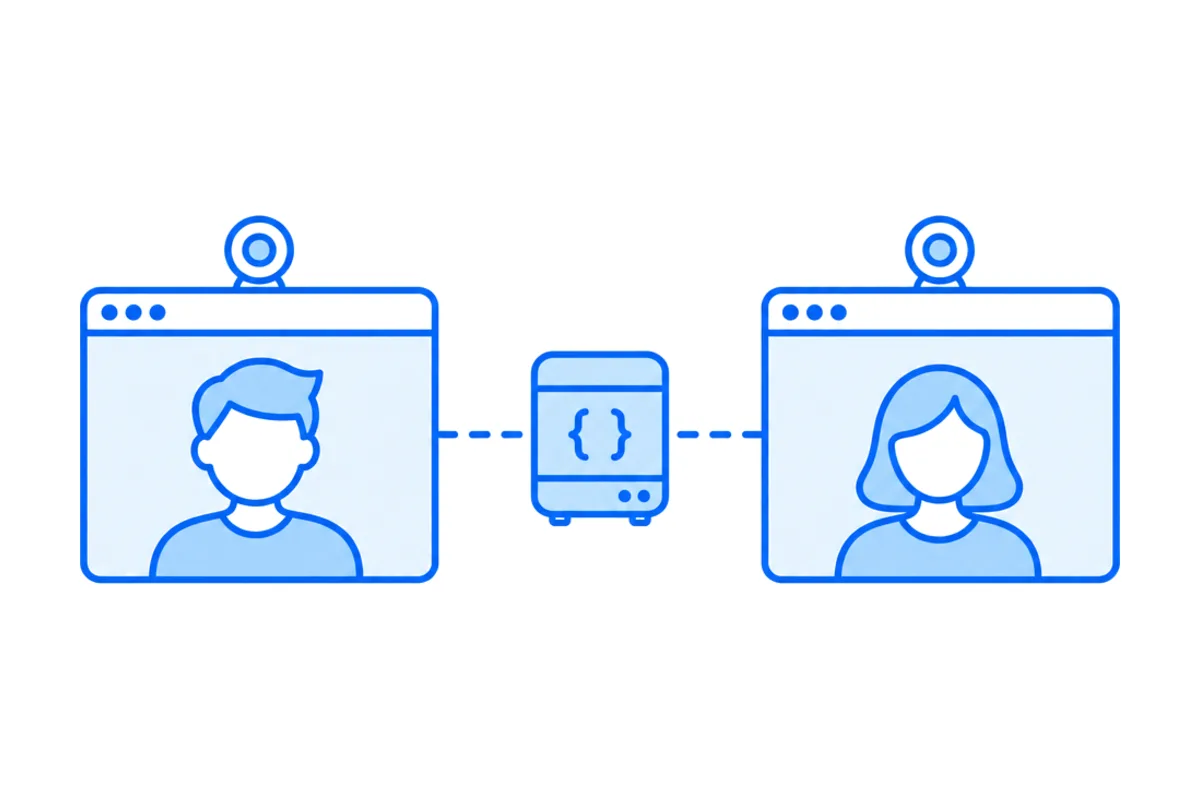
A video call in JavaScript takes three things: getUserMedia() for the camera and the microphone, an RTCPeerConnection that carries the picture and the sound between the two browsers, and a signaling channel of your own, most often a websocket, that passes their offers and network addresses to each other. The browser does the media, and everything around it, from finding the other person to getting through a firewall, is yours to build.
This post shows a whole video chat with WebRTC in under a hundred lines of plain JavaScript, tested in two browser tabs, explains each part, and then goes through what a real app adds to it before people can rely on it.
The three parts of a WebRTC call
| Part | What it does |
|---|---|
getUserMedia() |
Opens the camera and the microphone, after the browser asks |
RTCPeerConnection |
Connects the two browsers and carries the media, encrypted |
| Signaling | Passes offers, answers and addresses between them, by your server |
The first two are built into every modern browser. The third is not, on purpose. The JavaScript Session Establishment Protocol, which describes how the browser API works, leaves the way two browsers reach each other to the app. They need to swap two kinds of message before any picture flows:
- A description, an offer from one side and an answer from the other, listing the media each will send and how it is encrypted.
- Candidates, the addresses each browser might be reached at: its own on the local network, the public one a STUN server sees, and a relay on a TURN server, if it has one. The browsers try them in pairs until one works (STUN and TURN servers, explained).
A video chat in plain JavaScript
Two people open the same page, and each sees the other. The page needs two video elements:
<video id="me" autoplay playsinline muted></video>
<video id="them" autoplay playsinline></video>
<script type="module" src="/call.js"></script>
Your own video is muted, so you don't hear yourself, which also lets the browser play it before anyone clicks. playsinline keeps it in the page on an iPhone.
The signaling server
The smallest signaling server passes every message from one browser to the other. In Node.js, with the ws package:
import { WebSocketServer, WebSocket } from 'ws';

const wss = new WebSocketServer({ port: 8080 });

wss.on('connection', (socket) => {
  socket.on('message', (data) => {
    // Pass it on to everyone else connected: here, the other person.
    for (const other of wss.clients) {
      if (other !== socket && other.readyState === WebSocket.OPEN) {
        other.send(data.toString());
      }
    }
  });
});
It knows nothing about calls. It only relays text, which is all signaling is. The same relay in a few lines of Python, and a Python program that joins the call itself, are in WebRTC in Python. Node.js can join a call too, through an npm package that brings the browser API with it, as WebRTC in Node.js shows.
The page
Both browsers run the same code. Each opens its camera, says it is there, and adds the camera to the connection once the other person has said so too, so the first offer reaches someone. The part that answers messages follows the perfect negotiation pattern from MDN, which lets either side start, even both at once:
const local = await navigator.mediaDevices.getUserMedia({ video: true, audio: true });
document.getElementById('me').srcObject = local;

const signaler = new WebSocket('ws://localhost:8080');
await new Promise((resolve) => signaler.addEventListener('open', resolve, { once: true }));
const send = (message) => signaler.send(JSON.stringify(message));

const pc = new RTCPeerConnection({
  iceServers: [{ urls: 'stun:stun.example.com:3478' }],
});

// Add the camera once the other person is there.
let started = false;
const start = () => {
  if (started) return;
  started = true;
  for (const track of local.getTracks()) pc.addTrack(track, local);
};

// One side gives way when both offer at the same moment.
const polite = location.hash === '#polite';
let makingOffer = false;
let ignoreOffer = false;
let isSettingRemoteAnswerPending = false;

pc.onnegotiationneeded = async () => {
  try {
    makingOffer = true;
    await pc.setLocalDescription();
    send({ description: pc.localDescription });
  } finally {
    makingOffer = false;
  }
};
pc.onicecandidate = ({ candidate }) => send({ candidate });
pc.ontrack = ({ streams }) => {
  document.getElementById('them').srcObject = streams[0];
};

signaler.onmessage = async ({ data }) => {
  const { here, description, candidate } = JSON.parse(data);
  if (here) {
    if (!started) send({ here: true }); // so the other side starts too
    start();
  } else if (description) {
    const readyForOffer = !makingOffer
      && (pc.signalingState === 'stable' || isSettingRemoteAnswerPending);
    const offerCollision = description.type === 'offer' && !readyForOffer;
    ignoreOffer = !polite && offerCollision;
    if (ignoreOffer) return;

    isSettingRemoteAnswerPending = description.type === 'answer';
    await pc.setRemoteDescription(description);
    isSettingRemoteAnswerPending = false;
    if (description.type === 'offer') {
      await pc.setLocalDescription();
      send({ description: pc.localDescription });
    }
  } else if (candidate) {
    try {
      await pc.addIceCandidate(candidate);
    } catch (error) {
      if (!ignoreOffer) throw error;
    }
  }
};

send({ here: true });
Run the server, serve the page from localhost, and open it in one tab, and as /#polite in another, in either order. Each tab asks for the camera, and then each shows the other. On a server of yours, the page is on HTTPS, so the websocket address becomes wss:// with a certificate, and stun.example.com stands for a STUN server you have the right to use.
What happens, in order:
- The camera opens.
getUserMedia()asks the person first. MDN notes that it works only in a secure context, a page on HTTPS orlocalhost, and that a refusal rejects withNotAllowedError. When a camera stays black, our guide to a camera that isn't working goes through each cause. - The two find each other. Each page says
hereas it connects. The first one hears nobody, and when the second arrives, the first hears it and answers, so both know the other is there. - Adding the tracks asks for negotiation. The connection fires
negotiationneeded, andsetLocalDescription()with no argument makes an offer, which goes out through the websocket. - The other side answers. It sets the offer as its remote description, makes an answer the same way, and sends it back.
- Both gather candidates and send each one as it is found. The browsers test pairs of addresses against each other and settle on one that works, the direct ones first.
- The media flows.
ontrackfires on each side, and the other person appears. It is encrypted on its way, always: WebRTC requires it (RFC 8827). Ask for{ audio: true }alone and the same code places a voice call, which voice calls and audio rooms measures and explains.
Since both tabs add their camera at about the same moment, both may offer. That is the collision the pattern resolves: the polite side drops its own offer and answers the other one, and the impolite side ignores the offer that crossed its own.
Without step 2, the first tab would offer while it is alone, the server would pass that offer to nobody, and the call would never start. An offer nobody hears is a common reason a first WebRTC demo shows two black boxes.
What the demo leaves out
The demo works between two tabs on one network. An app needs more before its users can count on it.
- Who may call whom. The server above passes any message to anyone. A real one checks who is signed in, and whether they may call this person, before it rings anybody.
- Ringing. The person called has to hear it on whatever page they are on, in every tab, and stop hearing it everywhere once they answer in one. That needs a connection held open for each user, the whole time they are on the site (websockets past one server shows what that takes once you have more than one).
- Relays. A STUN server finds public addresses, and that is not enough behind many office firewalls and mobile networks. Those calls need a TURN server, with logins that expire, on ports such networks leave open (the ports a call needs).
- Reconnecting. A phone moving from Wi-Fi to mobile data loses its path. Watch
connectionState, and callpc.restartIce()when it fails, so the browsers look for a new pair of addresses without hanging up. - More than two people. Each person in this setup sends their video to every other one. That holds for three or four, and then the uploads give out, which is why group calls run through media servers (how group video calls work).
- Errors people see. A refused camera, a missing microphone, a call nobody answers. Why a WebRTC connection fails goes through what to check from both sides.
Each of these can be built on the same API, and that is the work behind most video chat products. The other way is to leave the connections, the ringing and the relays to a service, and keep on your server the one part that is truly about your app: who may call whom. How to choose a video call API lists the questions to ask of one.
The same call with WordPlus Cloud
With the WordPlus Cloud SDK, a page of plain JavaScript places calls with no signaling server, relay or call screen to write. Your server declares who may call, as a rule for every call whose name fits a pattern. Here, a support call such as support:34:42 is for the two people in its name:
// server.mjs, with realtime from createRealtime() of @wordplus/realtime/server
realtime.calls('support:{a}:{b}', async (user, withUser, { a, b }) => {
  const pair = [a, b];
  return pair.includes(String(user)) && pair.includes(String(withUser));
});
The page connects with the settings your server rendered into it, starts the call screen, and puts a button where people call from:
import { connect } from '@wordplus/realtime';

const rt = await connect(JSON.parse(document.getElementById('realtime').textContent));
await rt.callScreen(); // the ring and the call window, on this page<call-button to="34" call="support:{pair}" type="video" name="Ann">Call Ann</call-button>The call rings in every tab and on every device Ann has open. It goes straight between the two browsers when their networks allow it, through our relays on ports 443 and 80 when they don't, and through our media servers when even the relays can't reach, moving from one to the next without hanging up. Calls between two people are encrypted end to end on every path. For a screen of your own, rt.calls() gives you the same calls with no ready-made parts, calls.start() to place one and an incoming event to answer.
Calls in our docs show every way to place one, from a button to your own interface, and the Next.js guide to video calls builds them into a whole app.
Video calls for your app
WordPlus Cloud for Apps is priced by concurrent connections, starting from 1,000, billed monthly or yearly, and calls between two people take no credits on any path. See video calls and group calls for apps, or the apps pricing. Questions about your integration? Write to us.